

IoT Security Trend: A Practical Baseline for Connected Devices
A practical IoT security guide for ESP32 and connected devices, from threat modeling and unique identity to Secure Boot, signed OTA, protected storage, and testing.
Share
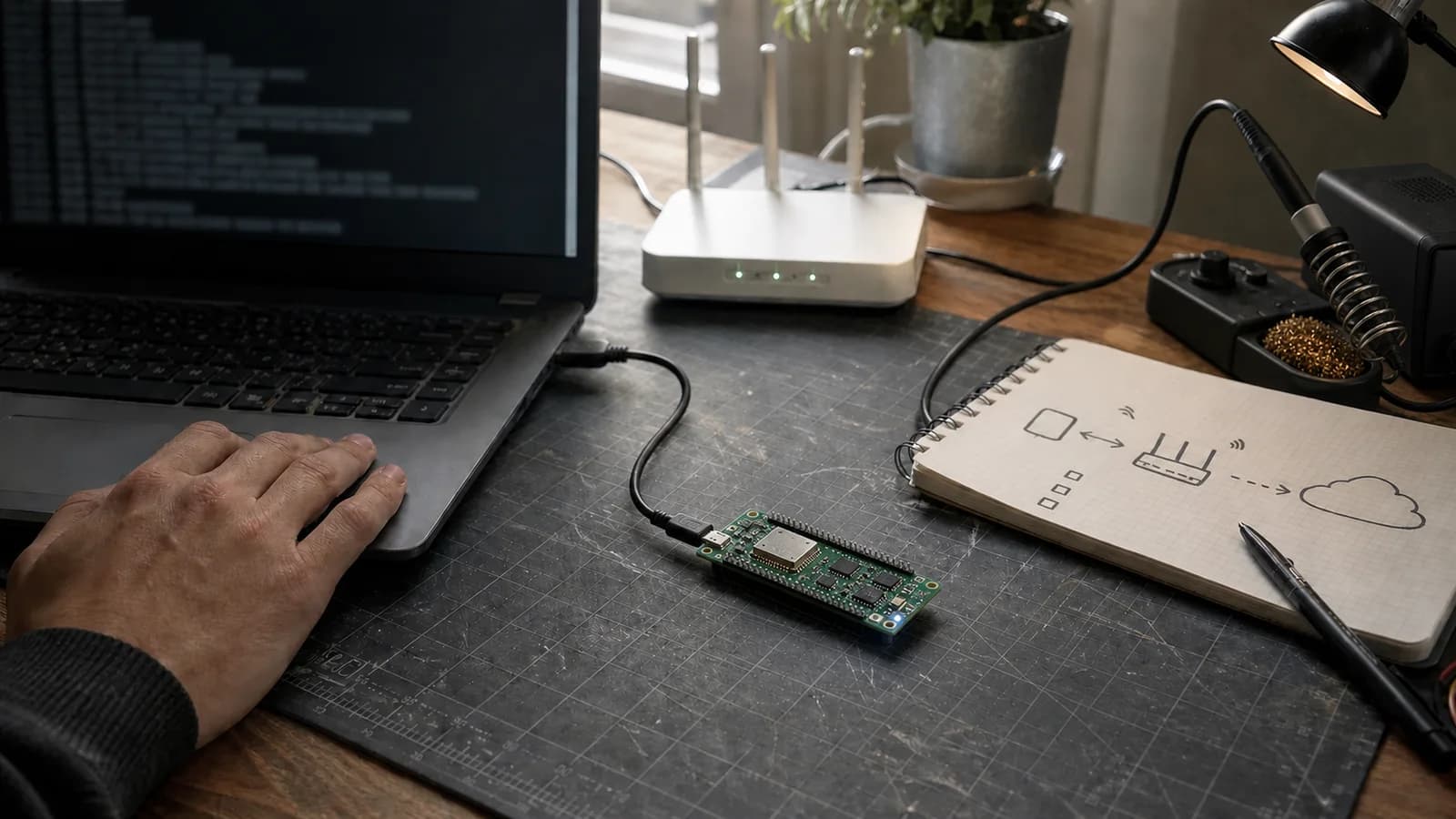
IoT security gets plenty of attention, but it is often described as an optional feature pack: enable TLS, change the default password, and call it done. A real IoT product is a chain of device, firmware, app, API, cloud, and update operations. One shared credential or unpatchable link can weaken everything around it.
This article is the practical security baseline I use for ESP32-class devices. It is not a compliance checklist, and it does not treat a temperature sensor like a bank. The goal is to decide what to do first, understand why it matters, and know how to test it.
I draw the whole route from device to router to cloud first. Seeing the system often reveals risk faster than reviewing isolated cryptographic calls in firmware.
Why this trend matters
An IoT device often outlives its companion phone app. It may stay in a home, office, or workshop for years, connecting every day while holding Wi-Fi credentials, tokens, sensor history, or permission to control an actuator.
NIST IR 8259 Rev. 1, published in 2026, continues to emphasize cybersecurity activities before an IoT product is sold. The technical baseline in NIST IR 8259A frames security as device capabilities such as identification, controlled configuration, data protection, interface restriction, software update, and security-state reporting.
The useful takeaway is simple: security is a lifecycle capability, not merely an algorithm selected before the first firmware ships.
A one-page threat model is enough to begin
You do not need a forty-page document. For an air-quality sensor reporting to the cloud, I write four columns:
| Question | Example |
|---|---|
| What needs protection? | Wi-Fi credentials, device key, firmware, room data |
| Who might attack it? | Local network user, physical holder, stolen account |
| Where can they enter? | API, BLE/Wi-Fi, OTA URL, UART/JTAG, external flash |
| What is the impact? | Fake data, device takeover, LAN access, bricked device |
I then rank each case with two plain variables: impact and likelihood. A UART exposing logs may be acceptable on a hobby board; the same port on a commercial door lock is different. A threat model directs effort better than enabling every “secure” menu option without knowing the risk.
The baseline I usually apply
| Layer | Minimum baseline |
|---|---|
| Identity | Separate ID and credentials for every device |
| Boot | Run only firmware signed by a trusted key |
| Storage | Protect keys and tokens at rest; never hard-code them in source |
| Connection | TLS with certificate and hostname validation |
| Authorization | Backend restricts the correct device, user, and action |
| Update | Signed image, A/B partitions, rollback, and version policy |
| Lifecycle | Factory reset, revocation, event logs, patching, end-of-life plan |
Not every product needs the same depth. When a row is omitted, though, I want that to be a reasoned decision rather than an oversight.
1. Give every device its own identity
One of the most damaging shortcuts is embedding the same API key in an entire production batch. Once a board is dumped or a log exposes that key, the attacker has a credential for the fleet.
A better provisioning flow is:
- Assign a unique
device_id. - Create a separate key or certificate during manufacturing or onboarding.
- Bind that identity to the correct account and permission scope at the backend.
- Support revocation of one lost or compromised device.
- Never print private keys or complete tokens in provisioning logs.
If the hardware provides eFuse, an HMAC peripheral, secure element, or key manager, keep long-lived material where application code does not need to read it as plaintext. ESP-IDF's HMAC-backed NVS Encryption example derives encryption keys from an HMAC key in eFuse instead of storing them directly in flash.
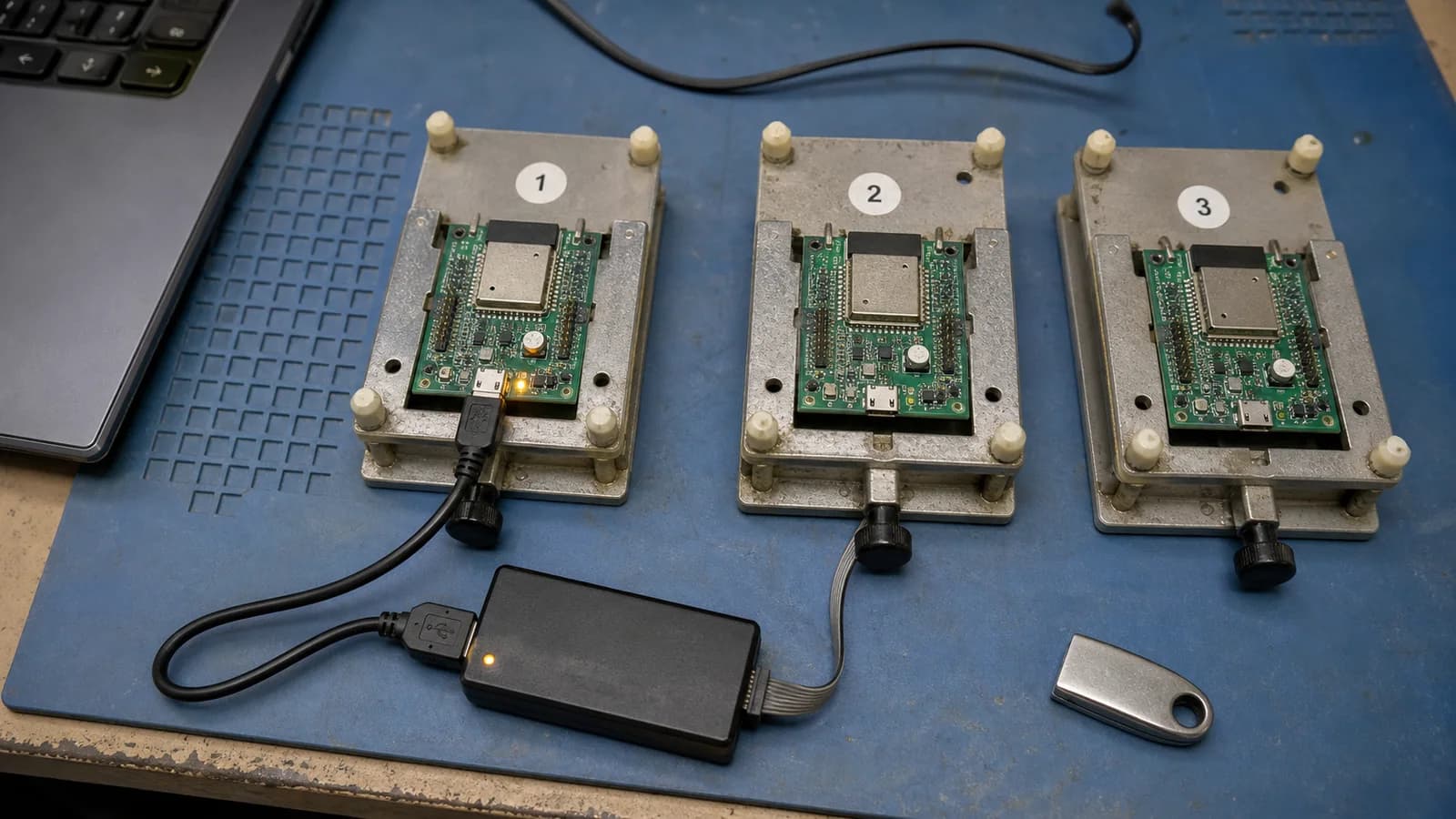
Per-device identity lets you revoke one compromised node without rotating credentials across the entire fleet.
2. Secure Boot and Flash Encryption solve different problems
- Secure Boot verifies signatures to prevent unauthorized firmware from running.
- Flash Encryption makes off-chip flash contents harder to read directly under physical access.
Encrypting flash alone does not prove that firmware came from you. Secure Boot alone is not intended to hide stored credentials. The ESP-IDF Secure Boot V2 documentation recommends combining the features because they protect different parts of the chain of trust.
Operational rules matter as much as menuconfig:
- A production signing key does not live in the source repository, CI logs, or an everyday laptop.
- Development and production use separate keys, debug settings, and flashing procedures.
- Backups are controlled. Losing the signing key may prevent fleet updates; exposing it may destroy trust in the whole chain.
3. TLS does not repair weak authorization
TLS protects data in transit when certificate and hostname checks are correct. It does not decide whether device A may change device B's configuration.
At the API layer, I check at least these points:
- A device credential can access only that device's resources.
- Every user action verifies ownership or an explicit role.
- Sensitive commands use a timestamp, nonce, or transaction ID to limit replay.
- Onboarding and reset endpoints are rate-limited.
- Firmware has no “temporary” path that disables certificate verification when time or connectivity fails.
Do not log Authorization headers, Wi-Fi passwords, or complete token-bearing payloads. Logs should support investigation—device ID, event type, result, firmware version—without becoming a second secret store.
4. Safe OTA must handle both hostile and broken images
HTTPS protects the download path, while a firmware signature authenticates the image. They do not replace each other. A survivable OTA flow looks like this:
download -> verify signature -> write inactive slot -> reboot
         -> health check -> mark valid
         -> failed health check => rollback
Rollback recovers from a correctly signed release that crashes or loses connectivity. Anti-rollback prevents a return to an older release with a known vulnerability. Those goals create useful tension: permit rollback during the new-image validation window, and raise the minimum security version only after the release has proved healthy.
ESP-IDF OTA examples demonstrate CONFIG_BOOTLOADER_APP_ROLLBACK_ENABLE and confirmation of a working image. I test at least four cases:
- Remove power during download and during partition writes.
- Return an image with the wrong signature or target chip.
- Boot a new image that cannot reconnect to the network.
- Ask the backend for a version older than policy permits.
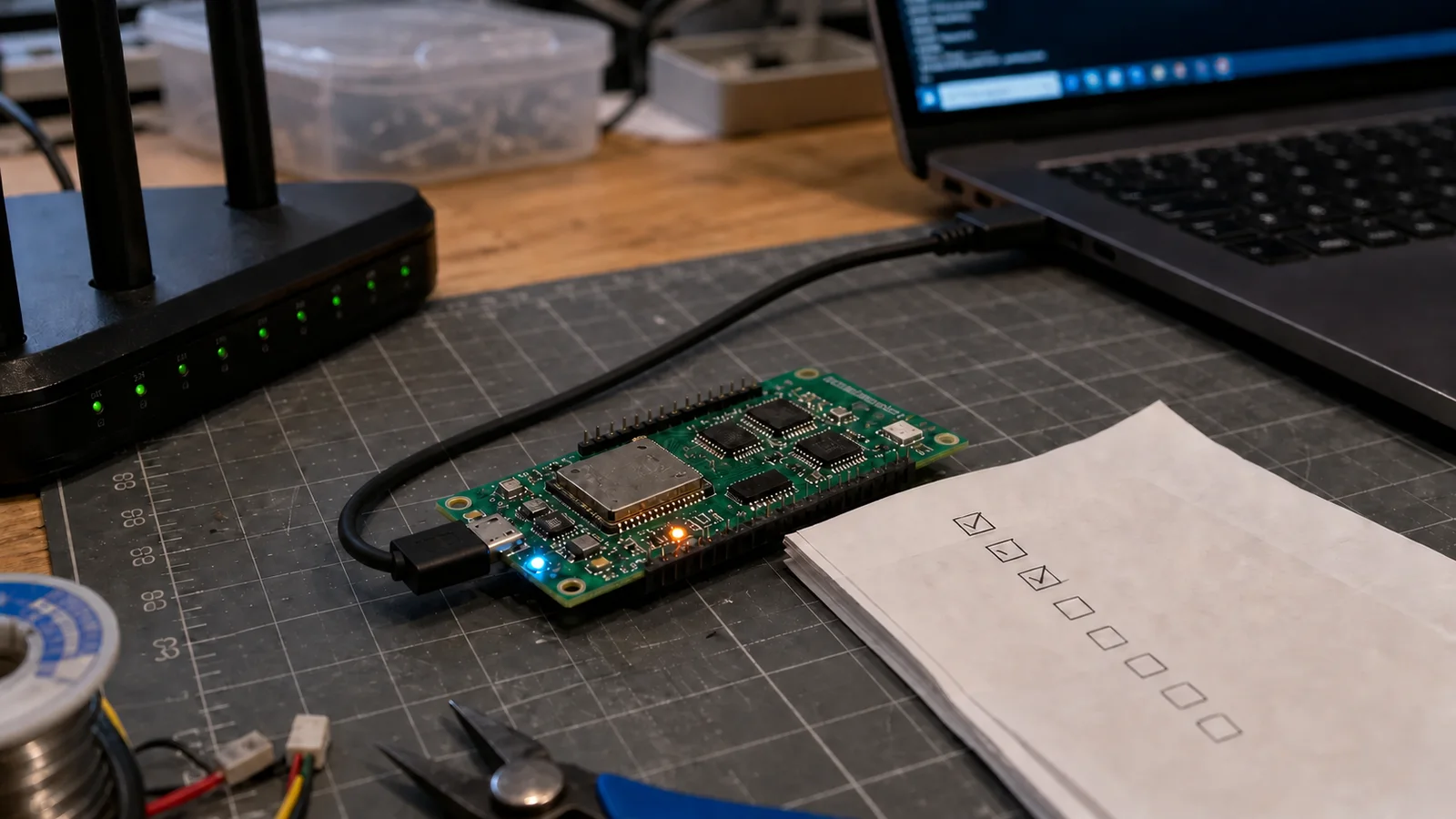
An OTA flow earns trust only after power loss, invalid signatures, and an unbootable new image have been tested.
5. Lock debug interfaces according to the threat model
UART, JTAG, ROM download mode, and test pads make development fast. They are also direct entry points once someone holds the product.
Before production, decide explicitly:
- Does UART remain available, and do its logs expose secrets or sensitive state?
- Is JTAG disabled, locked, or recoverable only through an authenticated RMA flow?
- Can the physical bootloader accept an arbitrary image?
- Does factory reset remove Wi-Fi credentials, tokens, bonds, and account ownership?
“Disable everything” is not always right because support teams still need failure analysis. A deliberate RMA design is better: record device state, limit who can restore debug access, and avoid silently weakening production units.
6. Collecting less data is a security control
If the product does not need detailed history, do not collect it “in case it becomes useful.” Data you never store cannot leak from your database.
I ask four questions:
- Is the raw sample needed, or is an aggregate enough?
- How long must device logs survive?
- Does the serial number belong in BLE advertising or mDNS?
- When an account is deleted, which mappings, tokens, and device data must follow?
Privacy and security meet here: less retained data means a smaller blast radius.
A test checklist before calling it secure
Using the OWASP ISTG areas, I run a practical pass:
- Dump a board's flash and search for plaintext SSIDs, passwords, tokens, and private keys.
- Open UART, JTAG, and test pads to learn what physical possession allows.
- Proxy network traffic to check TLS, certificate validation, and secrets in requests or logs.
- Replay an old command, change the device ID, and request another node's resource.
- Load unsigned firmware, an image signed by the wrong key, and a version blocked by policy.
- Interrupt OTA power repeatedly and verify that the previous partition still boots.
- Factory-reset the product and confirm that credentials, bonds, and backend permissions are gone.
- Record dependency versions and decide who receives vulnerability reports after sale.
A test without evidence is easy to forget. Store the command, firmware hash, expected result, and actual result in the internal test repository.
What I would fix first
If a working project has no security plan yet, my default order is:
- Remove default passwords and shared fleet credentials.
- Enforce TLS correctly and repair backend authorization.
- Add signed OTA and rollback so later findings remain patchable.
- Protect credentials at rest, then enable the appropriate production chain of trust.
- Lock debug interfaces and complete factory-reset and RMA behavior.
- Establish a process to receive, triage, and release security fixes.
This is not universal; the threat model may move one item higher. OTA often deserves early attention because an unupdatable device freezes every security decision made today.
Conclusion
The most useful IoT security trend is not a new cipher. It is the shift from “a firmware feature” to a product capability maintained across its lifecycle.
You can start small: a one-page threat model, per-device credentials, authorized APIs, signed firmware, rollback-capable OTA, and one test session guided by OWASP ISTG. Doing those six things well is far more valuable than adding a padlock icon to the dashboard.
References
Share
Keep exploring
Read next
Related articles
IoT Security Checklist Before Production: 6 Checks Before You Ship
A practical pre-shipment IoT security checklist covering TLS/SSL, password storage, Secure Boot, firmware signing, OTA security, and data encryption for product makers.
Deep Dive: BLE Communication for IoT Devices
A practical guide to reliable BLE communication for IoT devices, covering GATT, packets, MTU, notifications, reconnection, security, and power with ESP32 NimBLE.
OpenMQTTGateway: Building a Multi-Protocol Smart Home Hub
Set up an OpenMQTTGateway hub for BLE, Wi-Fi, RF, and LoRa sensors, then route the data into MQTT and Home Assistant without building a separate bridge for every device.