

Privacy-First Video Doorbell: Local Processing Design
How I design a video doorbell around RTSP, Frigate, and Home Assistant so person detection and clip storage stay inside the house instead of depending on a camera cloud.
Share
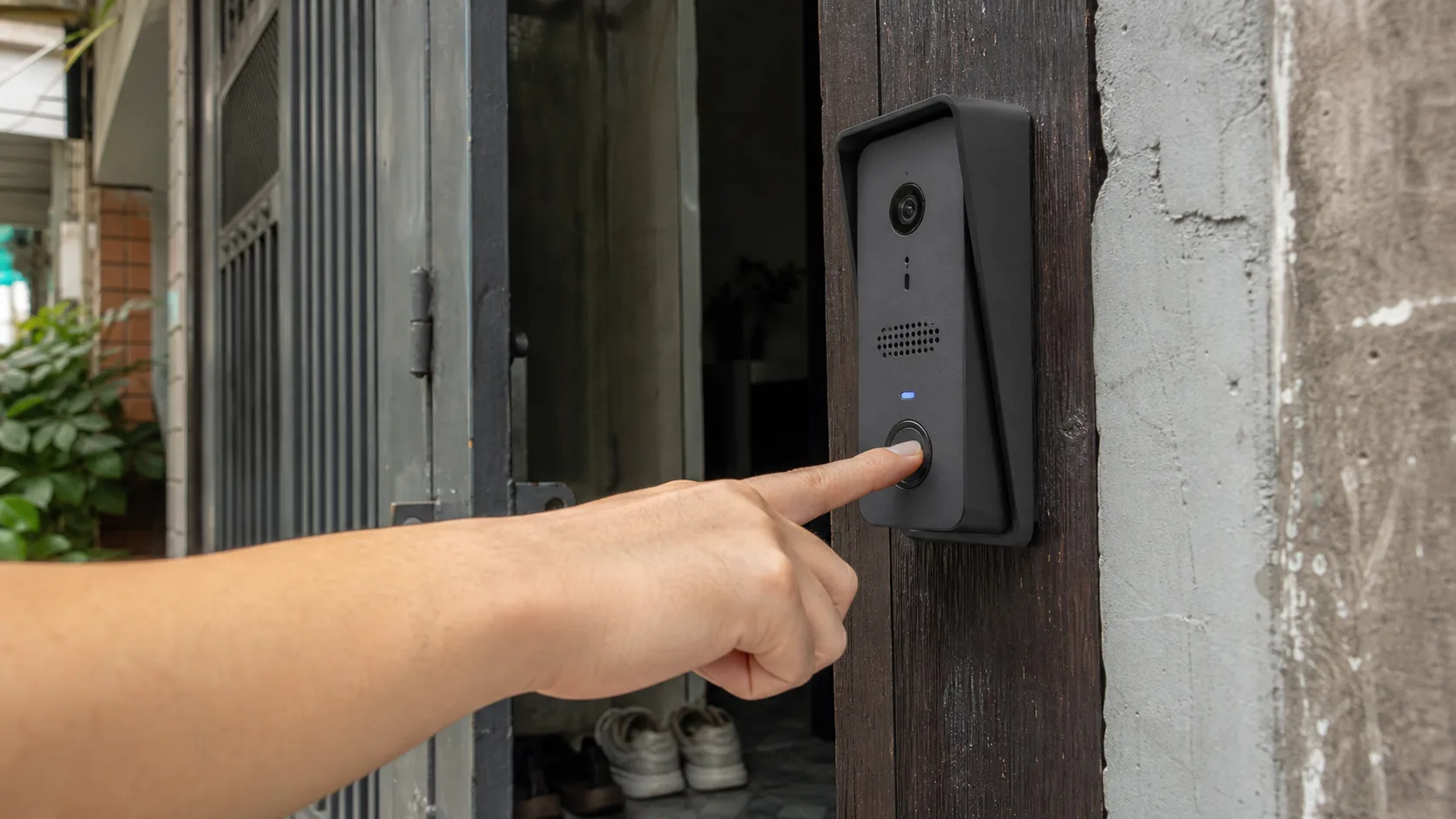
A video doorbell is where the local-AI-versus-cloud question becomes very concrete for me. The camera watches an entrance all day, the microphone can hear nearby conversations, and motion history can quietly reveal when a home is occupied. The convenience is real, but I do not want every frame sent to an outside server just to learn that someone is standing on the doormat.
My design does not force all processing into the doorbell itself. The outdoor unit handles video, the button, and audio. An indoor mini PC receives its RTSP stream, runs person detection with Frigate, stores clips on an SSD, and publishes events to Home Assistant. If the internet connection disappears, the bell, local recording, and LAN notifications continue to work.
What does “local” actually mean?
Three distinct designs are hiding behind the phrase local processing:
| Design | Where does raw video go? | Tradeoff |
|---|---|---|
| Cloud-first | Over the internet for analysis and storage | Easy setup, but dependent on a vendor and its policies |
| AI inside the doorbell | Only metadata or selected clips leave the unit | Compact and private, but limited by power, heat, and model size |
| AI on an in-home edge server | Camera sends RTSP to a mini PC on the LAN | Easier upgrades and storage, but you operate the server |
The third option is the best balance for my build. The outdoor device does not have to run hot while evaluating a model continuously, and one mini PC can handle more cameras later. Here, “local” means raw video does not need to leave the home network; it does not mean every calculation must happen on the PCB outside the door.
The architecture I would use
The main path is short:
PoE / RTSP doorbell
        ↓
camera VLAN → go2rtc / Frigate on a mini PC
        ↓                  ↓
 clips on SSD          MQTT events
                            ↓
                     Home Assistant
                            ↓
                    phone notification
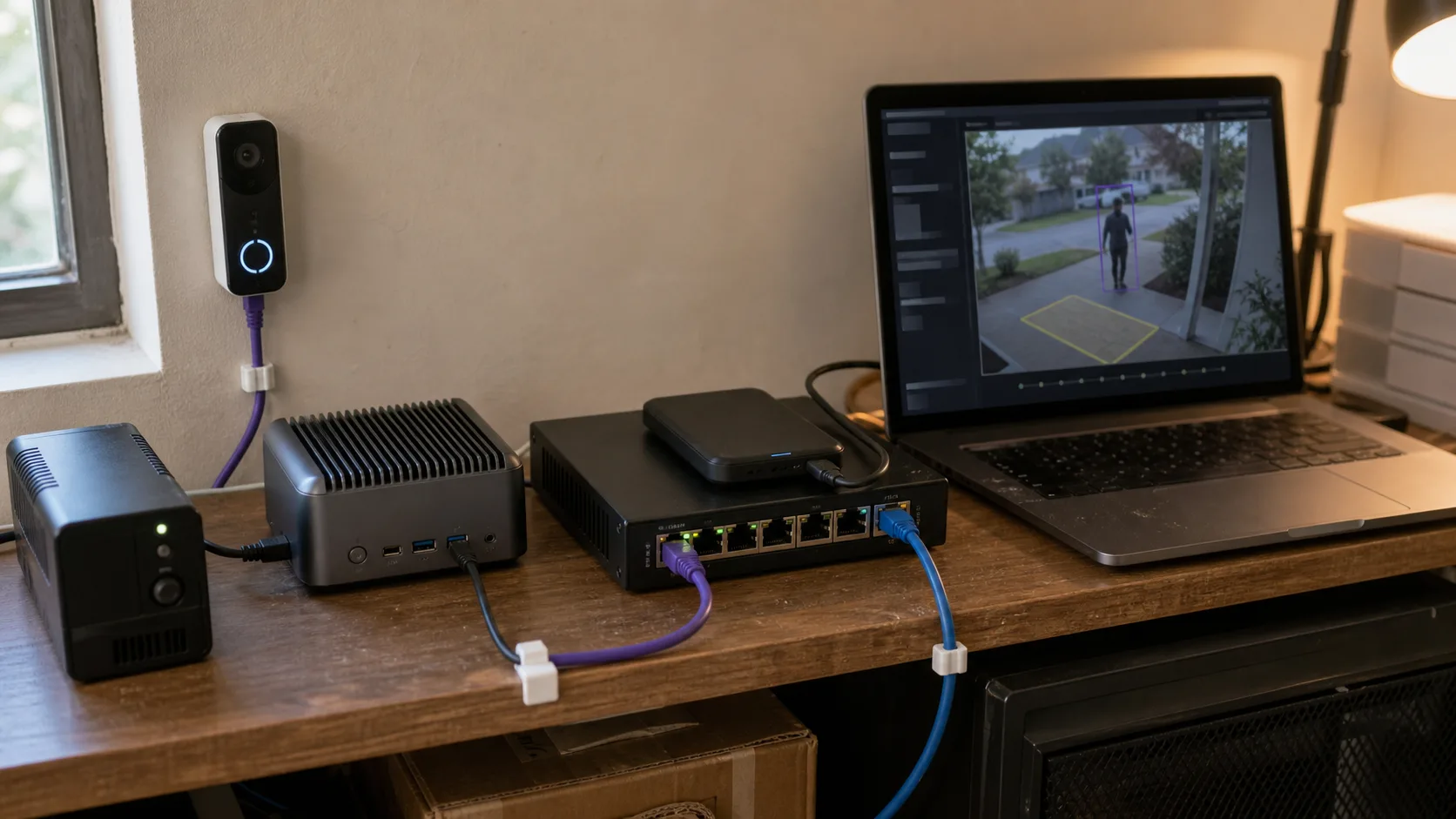
The camera produces a video stream. The indoor mini PC handles person detection, clip retention, and Home Assistant events.
One camera does not need a large server:
- A doorbell or video intercom with local RTSP/ONVIF, preferably H.264 and PoE.
- A small PoE switch, or an injector for a single device.
- An Intel N100/N150 mini PC with an iGPU and 8–16 GB RAM.
- A dedicated SSD sized for bitrate and retention period.
- A small UPS for the switch, mini PC, and router if short outages matter.
Frigate supports OpenVINO on Intel integrated graphics. An N100 is a sensible starting point for one low-resolution detect stream; the plain CPU detector is better treated as a test path. Frigate first uses inexpensive motion detection, then sends relevant frames to the object detector instead of running heavy inference on every frame.
Choose the camera before the AI model
The camera must expose a local stream without a cloud app sitting in the middle. My checklist is:
- Real RTSP or ONVIF support, not only a vague “works with NVR” claim.
- A main stream for recording and a lighter substream for detection.
- Doorbell presses available as an ONVIF event, digital input, or local API event.
- A separate read-only streaming user.
- H.264 support; H.265 saves storage but can complicate browser and integration compatibility.
- Two-way audio verified with go2rtc/Home Assistant if it is essential.
- Wired power. Battery cameras sleep to save energy, and their wake path often depends on a vendor cloud.
I prefer PoE because one cable carries power and data, the stream is steadier than Wi-Fi, and the doorbell never needs charging. Pulling that cable is the hard part. If an existing 12–24 V doorbell pair is available, use hardware designed for it; never connect that voltage directly to GPIO or Ethernet.
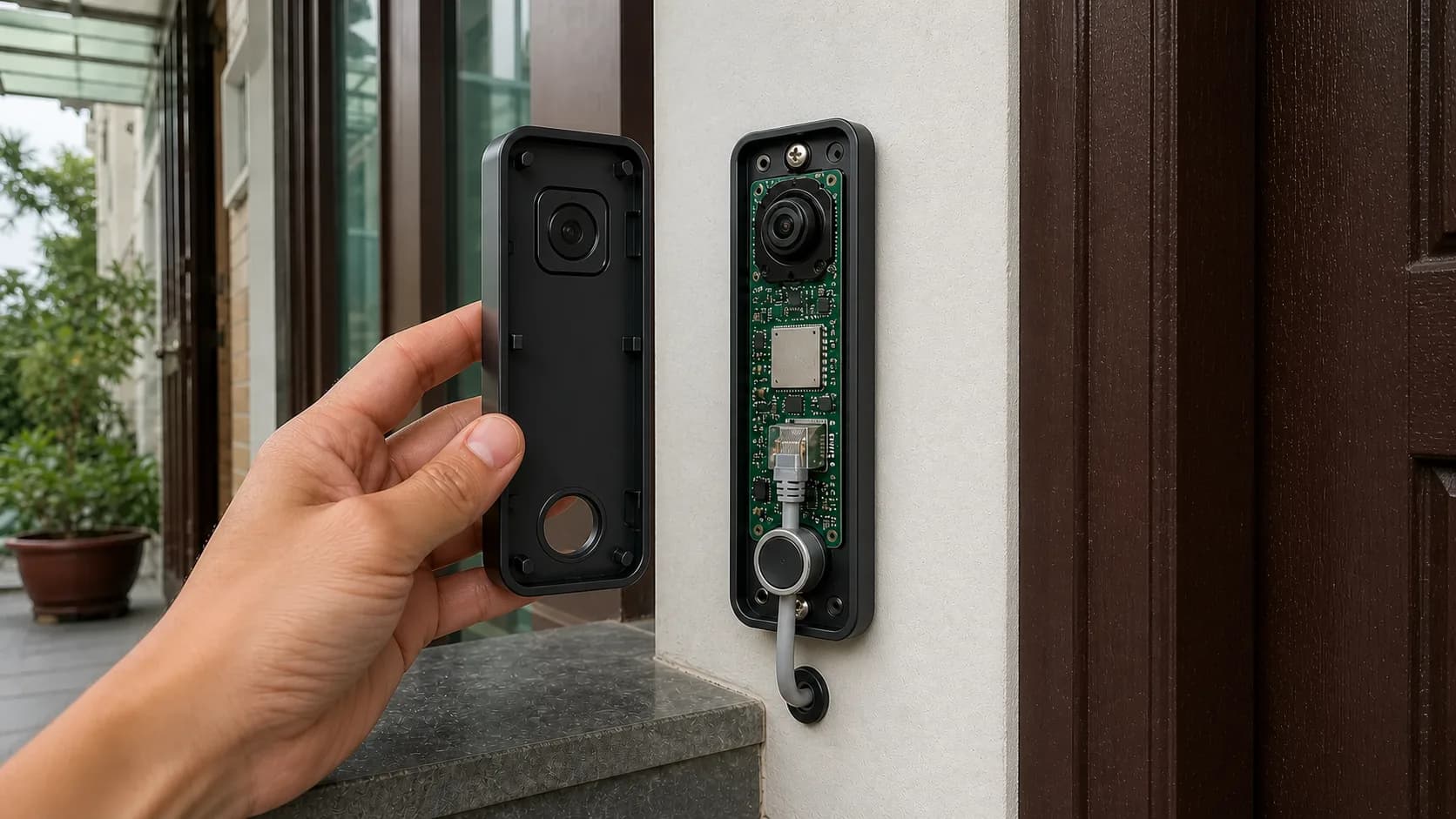
PoE carries data and power over one cable, but the connector, gasket, and outdoor cable route still need a careful installation.
Outdoors, a clicked-in RJ45 plug is not the end of the job. I check the gasket, strain relief, water path, connector orientation, and cable test before closing the enclosure. The PoE source must also match the device standard. A passive injector is not safe merely because the connector fits.
Separate detection from recording
There is little reason to feed 2K or 4K video into a detector at 15–30 fps. At a doorway, a 640×360 or 720p substream at about 5 fps is often enough for person detection. The high-quality main stream is reserved for recording.
This shortened example only illustrates the split. Stream names and zone coordinates must match the real camera:
cameras:
  front_door:
    ffmpeg:
      inputs:
        - path: rtsp://camera/low
          roles: [detect]
        - path: rtsp://camera/high
          roles: [record]
    detect:
      width: 640
      height: 360
      fps: 5
    zones:
      doorstep:
        coordinates: 0.20,0.95,0.82,0.95,0.70,0.38,0.30,0.38
    record:
      enabled: true
      alerts:
        retain:
          days: 7
The goal is not the highest possible FPS. It is to recognize someone entering the doorstep zone quickly enough to notify, while the main stream retains useful detail if the event needs review.
Privacy starts with camera placement
A mask cannot completely rescue an unnecessarily wide view. Before opening Frigate, I adjust the wedge mount so the camera points down toward the doormat and away from neighboring windows. Only then do I configure:
- A privacy mask over neighboring property or space that should not be recorded.
- A motion mask over moving trees, timestamps, or traffic at the edge.
- A
doorstepzone limited to my own approach. - A required zone so someone walking past on the street does not create an alert.
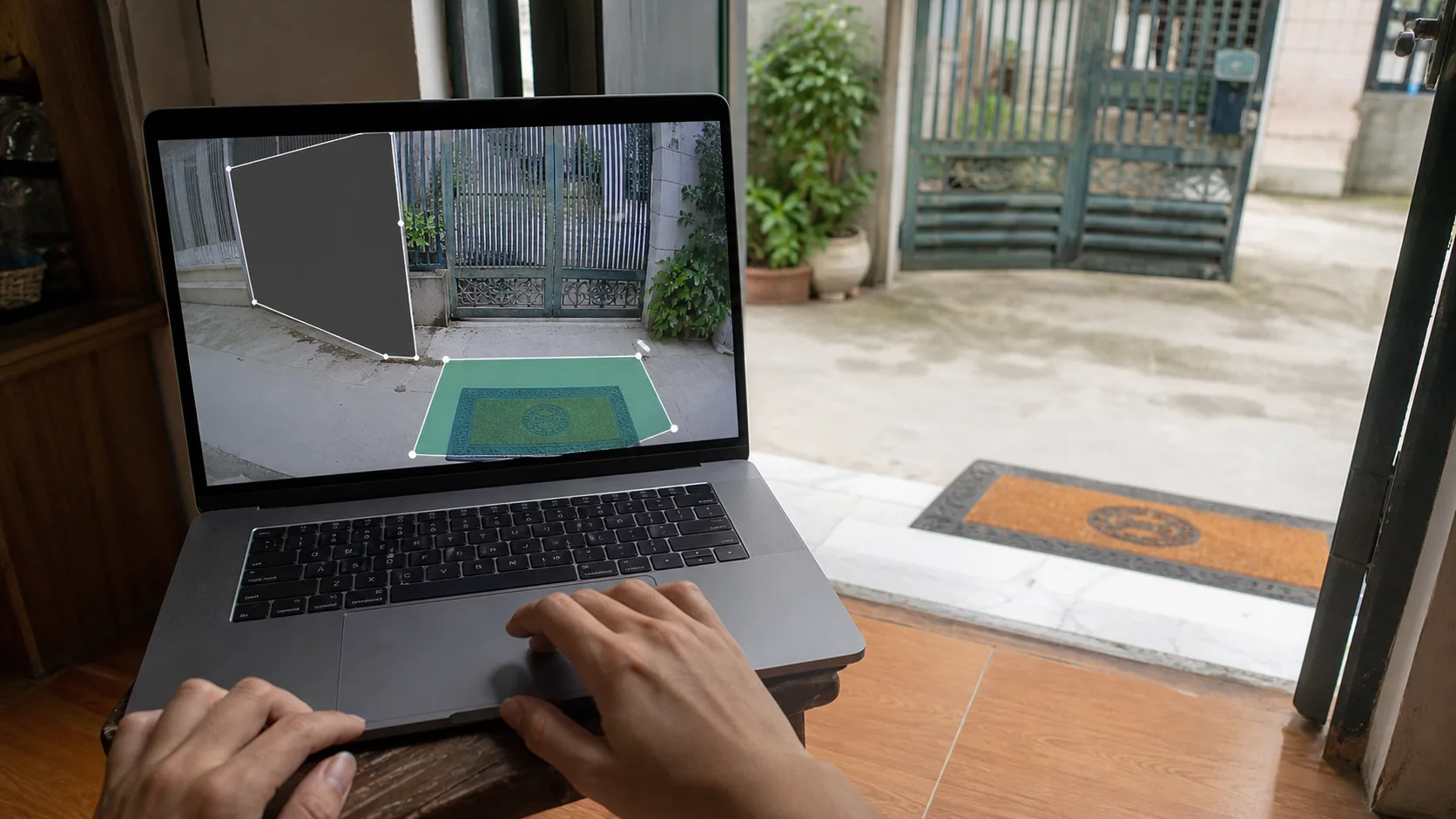
Aim the camera carefully first, then use zones and masks so the system focuses only on your own entrance.
I do not enable facial recognition by default. A person class and the physical ring event solve most of the problem. If identifying familiar visitors becomes useful later, it should be an explicit opt-in feature with clear enrollment data, retention, and deletion controls—not something quietly added because a model is available.
The microphone deserves the same decision. If two-way talk is not used, disable audio recording at the camera or recording stream. If it is used, I prefer push-to-talk over keeping the phone microphone open.
Store less, but keep the useful moments
Privacy-first does not mean keeping local video forever. My initial policy is simple:
- No continuous recording, or at most 24 hours while tuning.
- Person alerts inside the zone retained for seven days.
- Physical doorbell rings retained longer only when there is a real need.
- Notification snapshots expire with their events.
- Important clips move to a separate folder only through a deliberate action.
Frigate supports separate retention for continuous, motion, alerts, and detections, with pre- and post-capture windows. At a front door, a few seconds around an alert are usually more valuable than an entire day. Storage monitoring still matters: verify that old recordings are actually removed and alert before the disk is exhausted.
An SSD full of local video is still sensitive data. If the mini PC could be stolen, I would use full-disk encryption and avoid placing camera passwords in unencrypted configuration backups. Back up the configuration; copying every clip to another cloud by default defeats much of the original goal.
Isolate the camera network
The camera sits on its own VLAN and can talk only to the NVR, local NTP, and DNS when genuinely required. Firewall rules block direct internet egress. The mini PC may pull the camera stream; Home Assistant consumes events and the restream, without needing the camera's administrator account.
My quickest test is to unplug WAN while keeping the LAN up. If live view, button presses, detections, and clips still work, the local path is real. I then block camera egress and inspect logs for several days to find any feature that still quietly relies on the vendor's servers.
Remote access should use a VPN such as WireGuard/Tailscale or a strongly authenticated reverse proxy. Do not expose RTSP, go2rtc, or the Frigate interface directly to the internet. A text notification can reach a phone without carrying video; viewing a snapshot away from home requires a secure path back to Home Assistant.
Keep the button independent from AI
Do not ask the object detector to decide whether someone pressed the bell. The physical button is a separate debounced event and should play a local chime even while the NVR restarts. Home Assistant can pair that event with the latest snapshot for a notification, but the indoor chime should not depend on the internet or an AI model.
Two-way audio is something I test before buying several units. RTSP normally handles video and audio from the camera, while the talk-back direction may use a vendor-specific protocol. go2rtc supports many backchannels, but support varies by model. If local audio is unreliable, a few prerecorded replies are often more dependable than forcing full-duplex audio into the first version.
Checklist before daily use
- Block camera internet access and repeat every test.
- Walk past outside the zone 20 times; no alert should fire.
- Enter the doormat zone in daylight, darkness, and backlight.
- Ring while Frigate, MQTT, or Home Assistant is restarting.
- Measure time from zone entry to phone notification.
- Confirm pre/post-capture footage has enough context.
- Verify that expired clips are actually deleted.
- Replace default passwords, use a read-only stream user, and manage firmware updates.
- Test the UPS and watch mini-PC temperature during continuous detection.
For me, a good privacy-first doorbell does not need to boast about running a huge model. It needs to react when someone is actually at the door, keep only the footage worth reviewing, and remain useful when the internet disappears. Cloud services can still deliver notifications or receive selected backups, but they are an optional layer—not the mandatory destination for every frame.
References
- Frigate — local NVR with AI object detection
- Frigate recommended hardware and detectors
- Frigate recording and retention
- go2rtc — local RTSP/WebRTC restreaming
- DIY ESP32-CAM video doorbell with ESPHome and Home Assistant
- Home Assistant ONVIF integration
- OpenGate: A Privacy-Focused, Open-Source Smart Doorbell Camera
Share
Keep exploring
Read next
Related articles
OpenMQTTGateway: Building a Multi-Protocol Smart Home Hub
Set up an OpenMQTTGateway hub for BLE, Wi-Fi, RF, and LoRa sensors, then route the data into MQTT and Home Assistant without building a separate bridge for every device.
A smart thermostat that learns how your room warms up
Notes on building an ESP32 smart thermostat that learns a room's heating rate, starts at the right time, and keeps safety control local.
A camera-free desk clock that indicates sleep quality
Notes for an ESP32 bedside clock that uses CO2, temperature, light, and bed presence to explain why a night felt off, without putting a camera in the bedroom.