

What Is Mochi?
A short introduction to Mochi, a small robot developed as an exercise in hardware, firmware, and product experience.
Share
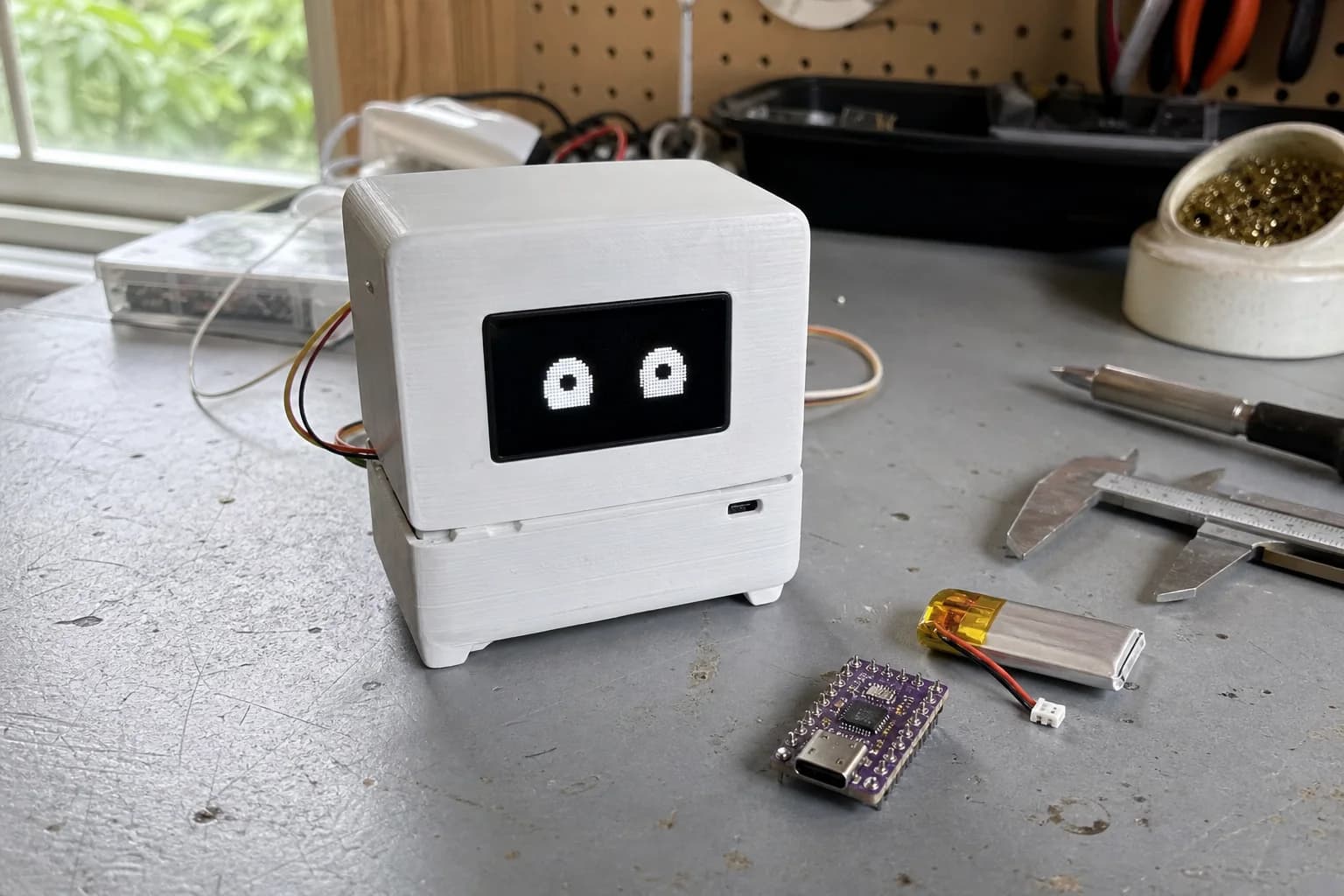
Mochi Starts As A Product Exercise
Mochi is a small robot I am developing inside Nastrotek. I treat it as an exercise in making a product, not a showpiece. What interests me is not only whether the robot moves or reacts, but how the whole system gets designed, built, documented, and improved.
A small robot contains many layers. It needs stable enough hardware, firmware that can be debugged, mechanical choices that do not make assembly painful, and signals that help people understand what the robot is doing.
Why A Small Robot?
A robot is visible, but not simple. When an LED does not turn on, the cause may be the circuit, a GPIO pin, power, initialization code, or a loose wire. When movement is wrong, the issue may come from mechanics, control logic, weak batteries, or user interaction.
Mochi gives me a practical way to think in systems. A PCB decision can affect firmware, a battery limit can change behavior, and one small case detail can make repair much easier or much harder.
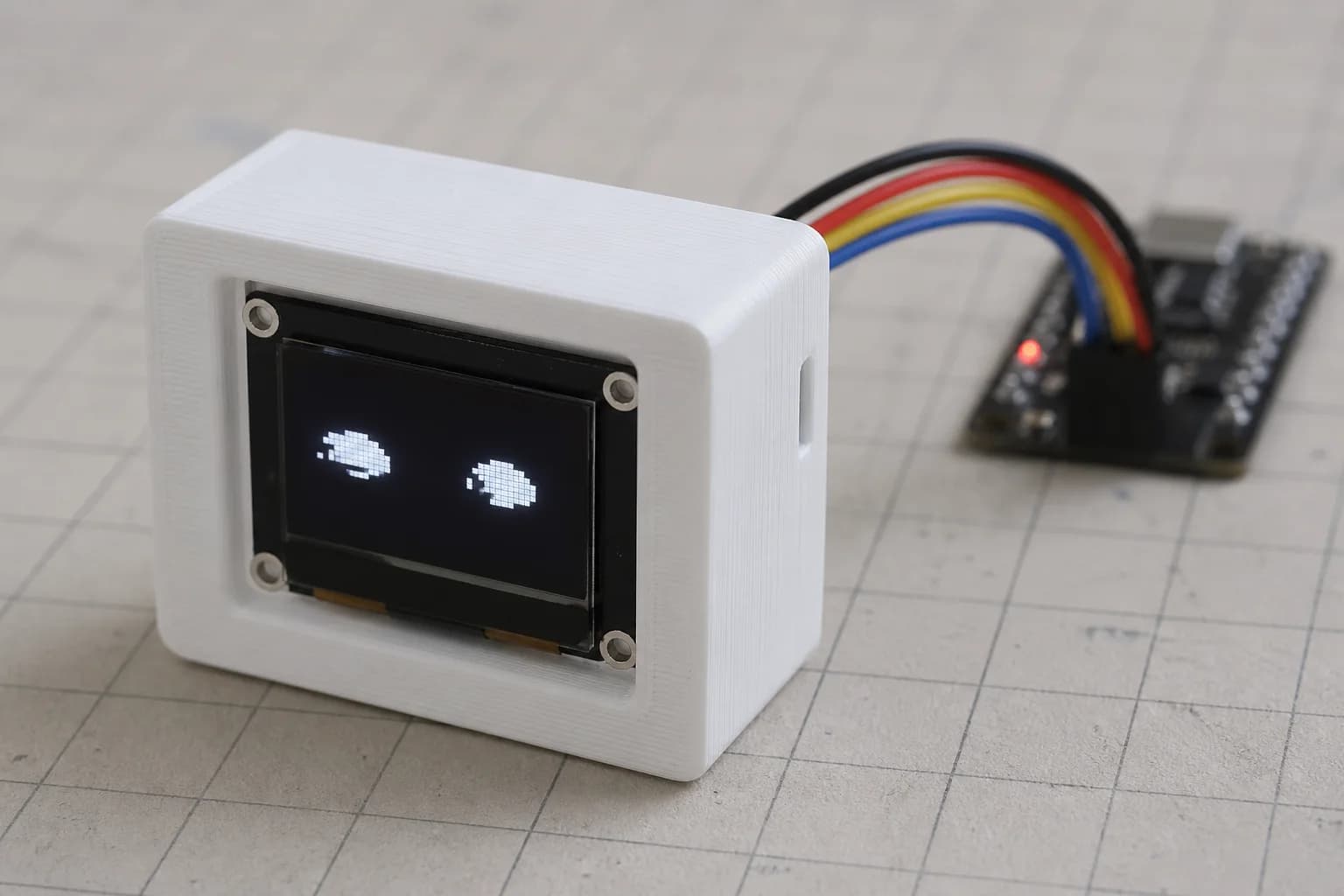
This real prototype was still rough; the photo records the project as it actually looked at that stage.
Mochi Does Not Need To Be Perfect Yet
In the early stage, Mochi is not defined by a large feature list. I want to start with small questions. How should the robot show status? Does it need a small screen, or only lights and sound? How should firmware be split into modules?
The first prototype can be rough if it helps test assumptions. After the important parts are clearer, later versions can become smaller and cleaner.
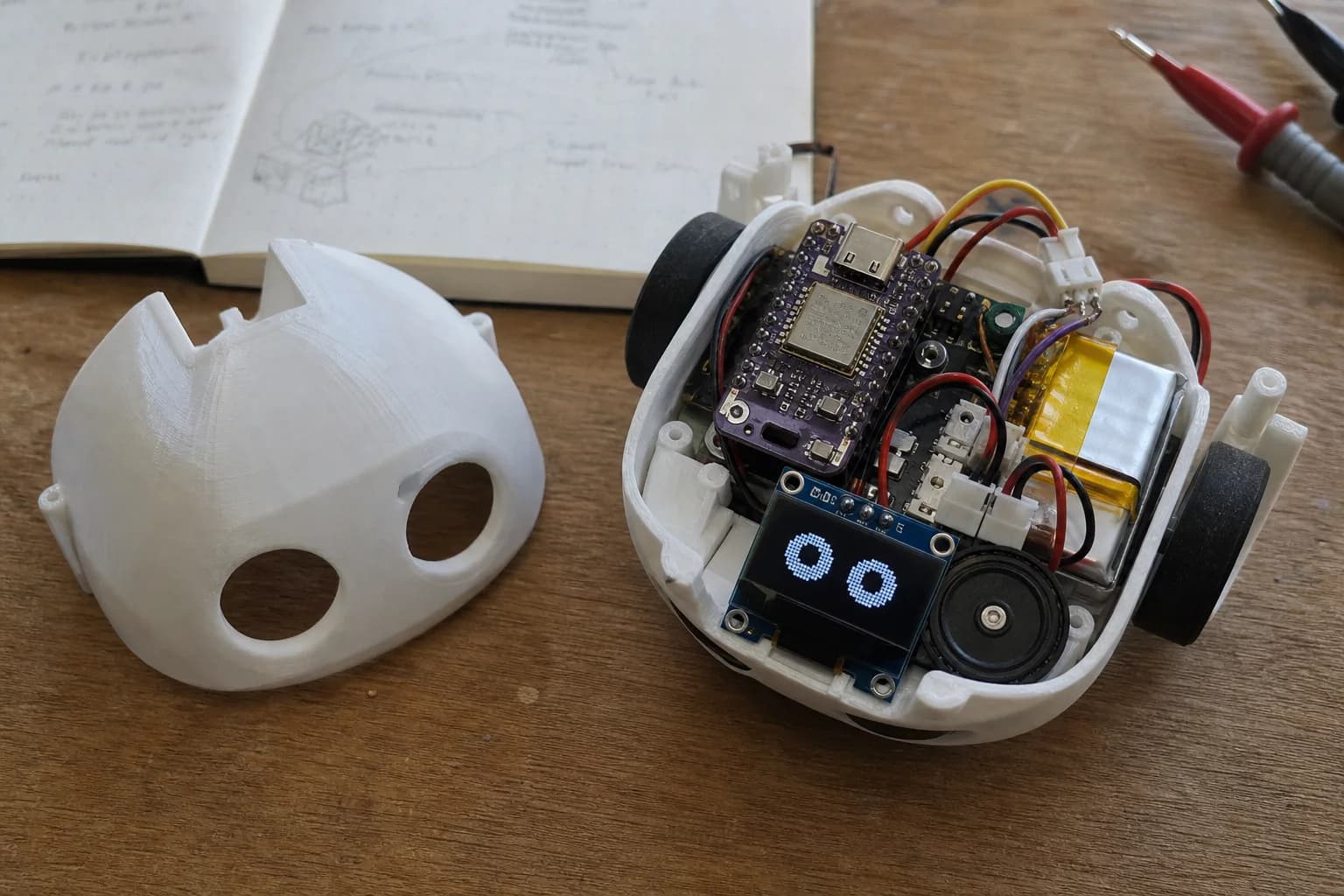
The first prototype still had loose wiring and was not yet optimized for assembly or repair.
What The Mochi Log Will Record
Mochi posts will record more than success. I want to include changed decisions, useful mistakes, datasheet notes, test point choices, firmware logging, and interaction ideas.
Each devlog should answer three questions: what was tried, what was learned, and what comes next.
This diagram was used to check connections before consolidating the circuit onto a custom PCB.
What I Want To Keep
Mochi should feel friendly without becoming too ambitious too early. A small robot can teach a lot if the process is documented carefully.
For Nastrotek, Mochi is a longer thread. Each note is only one small step, but clear small steps can become useful product documentation over time.
Why Mochi is useful for learning
Mochi is small enough to finish in pieces but complex enough to touch many product layers. A single change to the face animation can affect firmware state, display performance, battery life, enclosure space, and the way the robot feels on a desk. That makes it a good learning object.
Instead of treating hardware, firmware, and interaction design as separate topics, Mochi lets them meet in one small prototype. A better shell makes assembly easier. A clearer state machine makes expressions feel intentional. A better power path makes the robot more usable. Each improvement is small, but together they turn a loose experiment into a product direction.
What the project should avoid
I do not want Mochi to become complicated just to look impressive. The useful version is one you can assemble, open, debug, and improve. Every new feature should earn its place: a sensor should create a clearer interaction, a shell change should make assembly better, and a firmware state should help you understand the robot.
Related reading
Share
Keep exploring
Read next
Related articles
Mochi Devlog 01: Early Development
The first Mochi devlog: early hardware questions, first firmware decisions, and what already went wrong.
What Is a MEMS Microphone? From a Silicon Diaphragm to ESP32 Audio
Learn how MEMS microphones work, how analog, PDM, and I2S outputs differ, and how to avoid PCB, power, and acoustic-port mistakes.
Extending Battery Life in an ESP32 Robot with a Display
Analyze battery life for an ESP32 robot with a display: backlight, Wi-Fi, audio, peripherals, sleep modes, wake sources, and runtime.