

Local-first architecture: keeping data off the cloud
A practical local-first architecture using an on-device store, Automerge, optional sync, and backups so an app stays useful without sending its working data to a cloud service.
Share
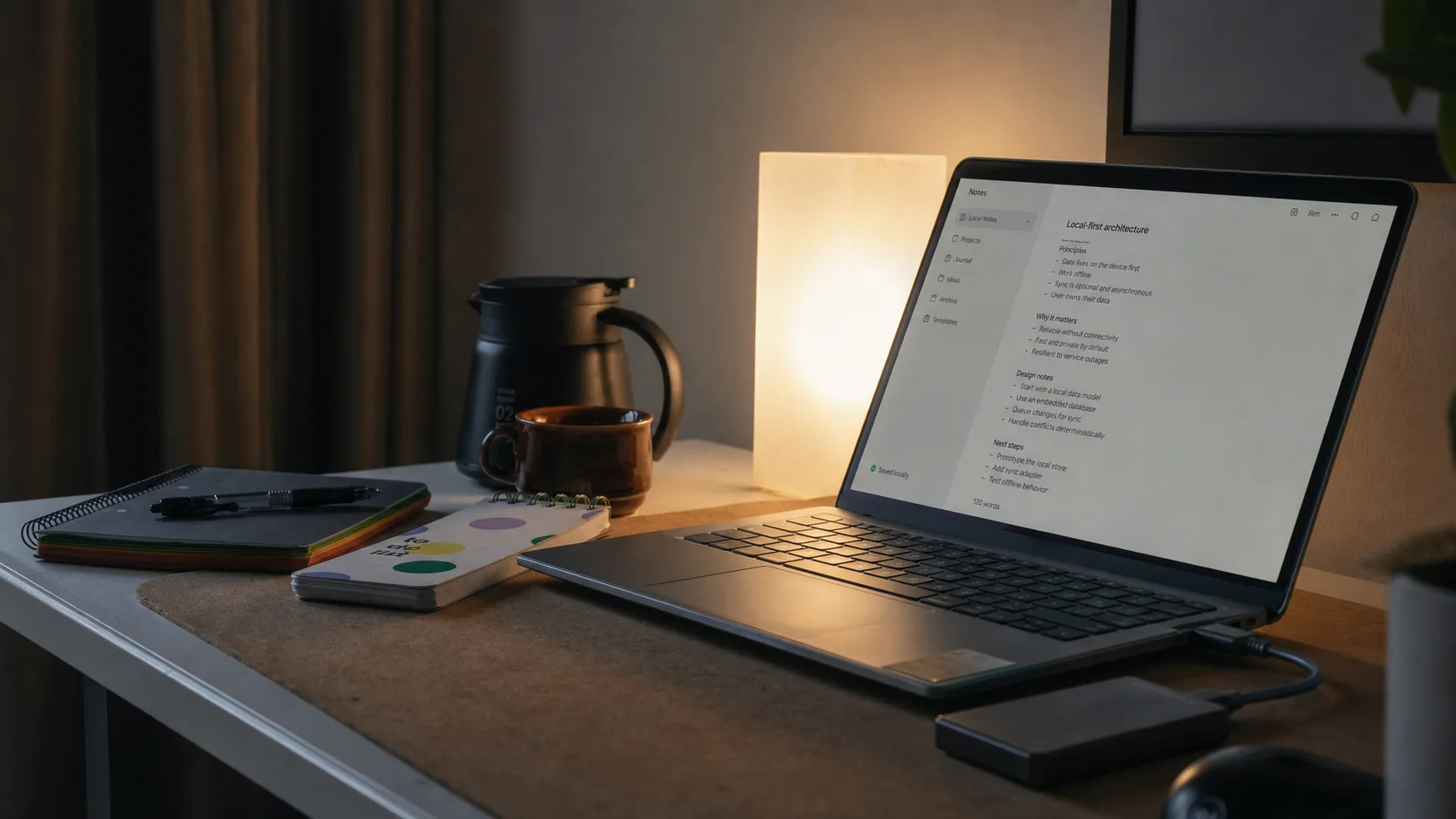
I like apps that still feel like mine after the Wi-Fi icon disappears. Notes open immediately, edits are saved without a spinner, and exporting the data does not require asking a service for permission.
That is the practical promise of local-first architecture: the copy on your device is the primary working copy. A server may help with sync or backup, but it is not on the critical path for every read and write.
For this article, I followed Automerge, an MIT-licensed open-source CRDT library implemented in Rust with JavaScript/WASM bindings. Its model is useful even if you later choose SQLite or another local database: save locally first, describe changes explicitly, and synchronize replicas separately.
Local-first is not a larger cache
In a conventional cloud app, the server owns the canonical record, and the client keeps a disposable cache. If the session expires or the API disappears, the cache may no longer be useful.
I use a stricter test:
- Creating, reading, editing, searching, and deleting work without a connection.
- Closing and reopening the app does not lose unsynced changes.
- The user can export a readable or documented copy.
- Sync failure changes a status indicator, not the ability to work.
If the app only queues one form while offline, I would call it offline-capable, not local-first.
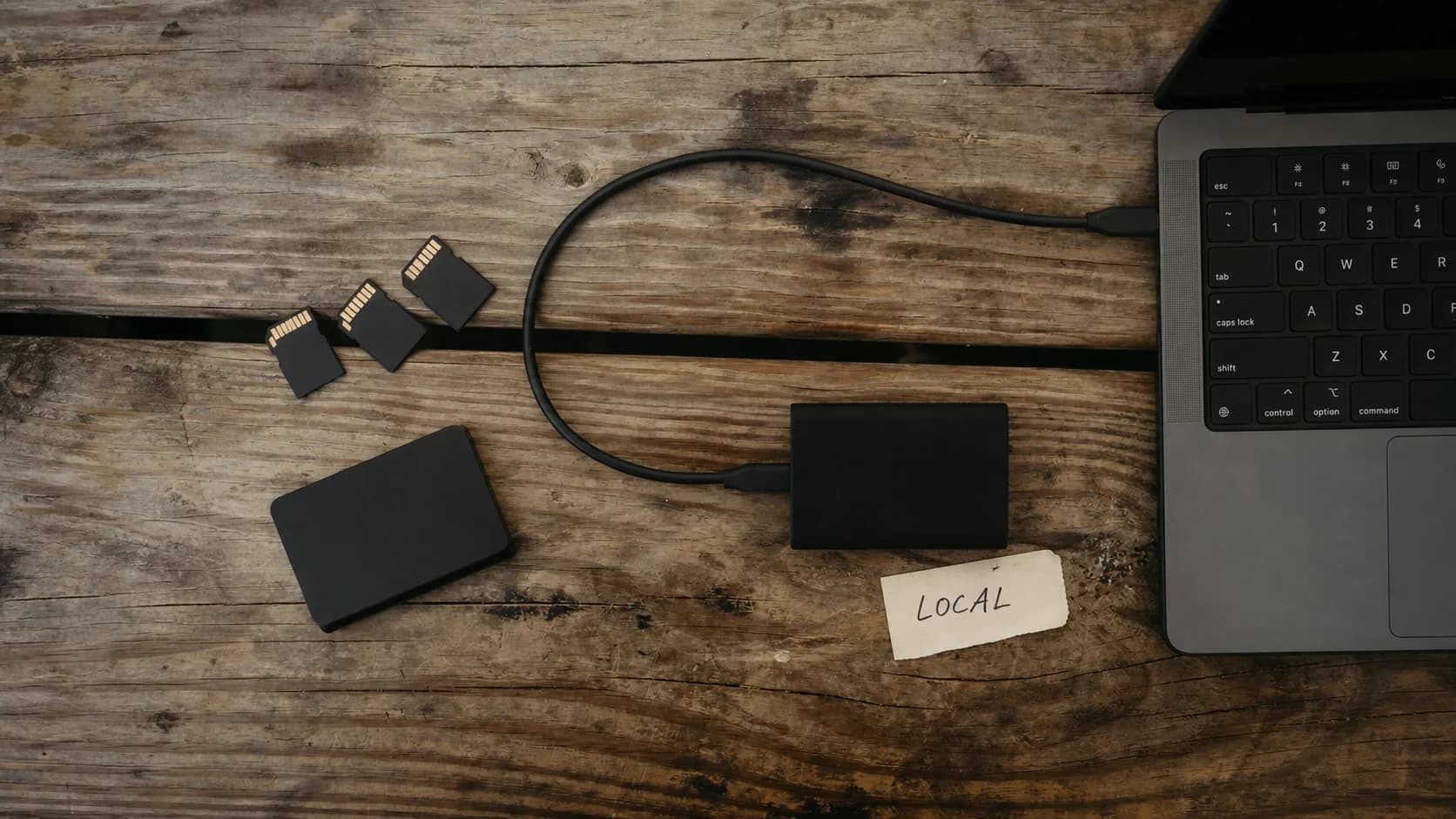
Local-first starts with an unglamorous promise: the useful copy lives on your device and remains available when the network does not.
Put the local store on the hot path
The cleanest design is surprisingly plain:
- The UI sends a command to the domain layer.
- The domain layer writes to IndexedDB, SQLite, or a local CRDT document.
- The UI renders the committed local state immediately.
- A background worker later exchanges changes with another device or relay.
The network never sits between a click and a successful local save. This removes a lot of optimistic-update rollback code, but it introduces new work: migrations, conflict rules, storage limits, and recovery all become product features.
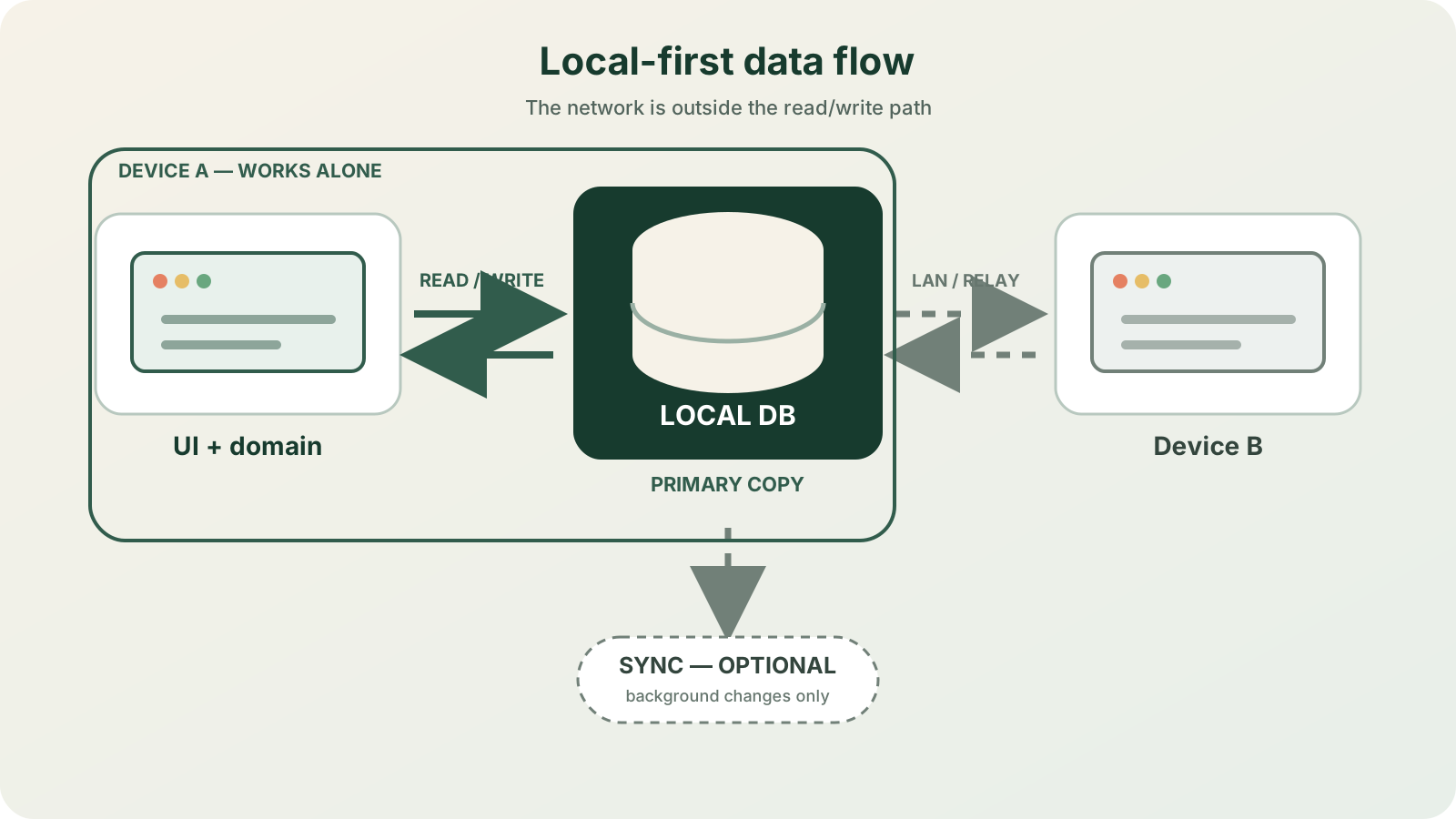
Reads and writes stay on the local path. Sync is a background capability, not a condition for using the app.
A small Automerge-shaped example
Automerge stores a JSON-like document and records changes so independently edited copies can merge. A minimal notes document looks like this:
import * as Automerge from "@automerge/automerge";

type Note = { id: string; text: string; updatedAt: number };
type NotesDoc = { notes: Note[] };

let doc = Automerge.from<NotesDoc>({ notes: [] });

doc = Automerge.change(doc, "add note", (draft) => {
  draft.notes.push({
    id: crypto.randomUUID(),
    text: "This was saved without a network request.",
    updatedAt: Date.now(),
  });
});

const bytes = Automerge.save(doc);
await localDocumentStore.put("notes", bytes); // IndexedDB or a file adapter
On launch, load those bytes before starting any sync connection. When two replicas reconnect, exchange Automerge changes and persist the merged document locally again.
CRDTs do not make every product decision disappear. Two people renaming the same board still needs a visible, understandable result. File attachments, permissions, permanent deletion, and schema migrations also need their own rules.
Sync can be optional without being vague
I would ship one of these modes explicitly:
| Mode | Data movement | Good fit |
|---|---|---|
| One device | No automatic sync; encrypted export or backup file | Journal, workshop tool, personal sensor log |
| Local network | Peer-to-peer or a small self-hosted relay | Home, lab, small team on a trusted LAN |
| Private relay | Encrypted changes pass through an internet relay | Multiple devices away from home |
For the private-relay option, transport encryption alone is not enough if the goal is “the server cannot read my data.” Encrypt changes or snapshots on the device, keep keys out of the relay, authenticate devices, and design key recovery before promising end-to-end encryption. Automerge solves merging; it does not automatically solve identity, authorization, or secret management.
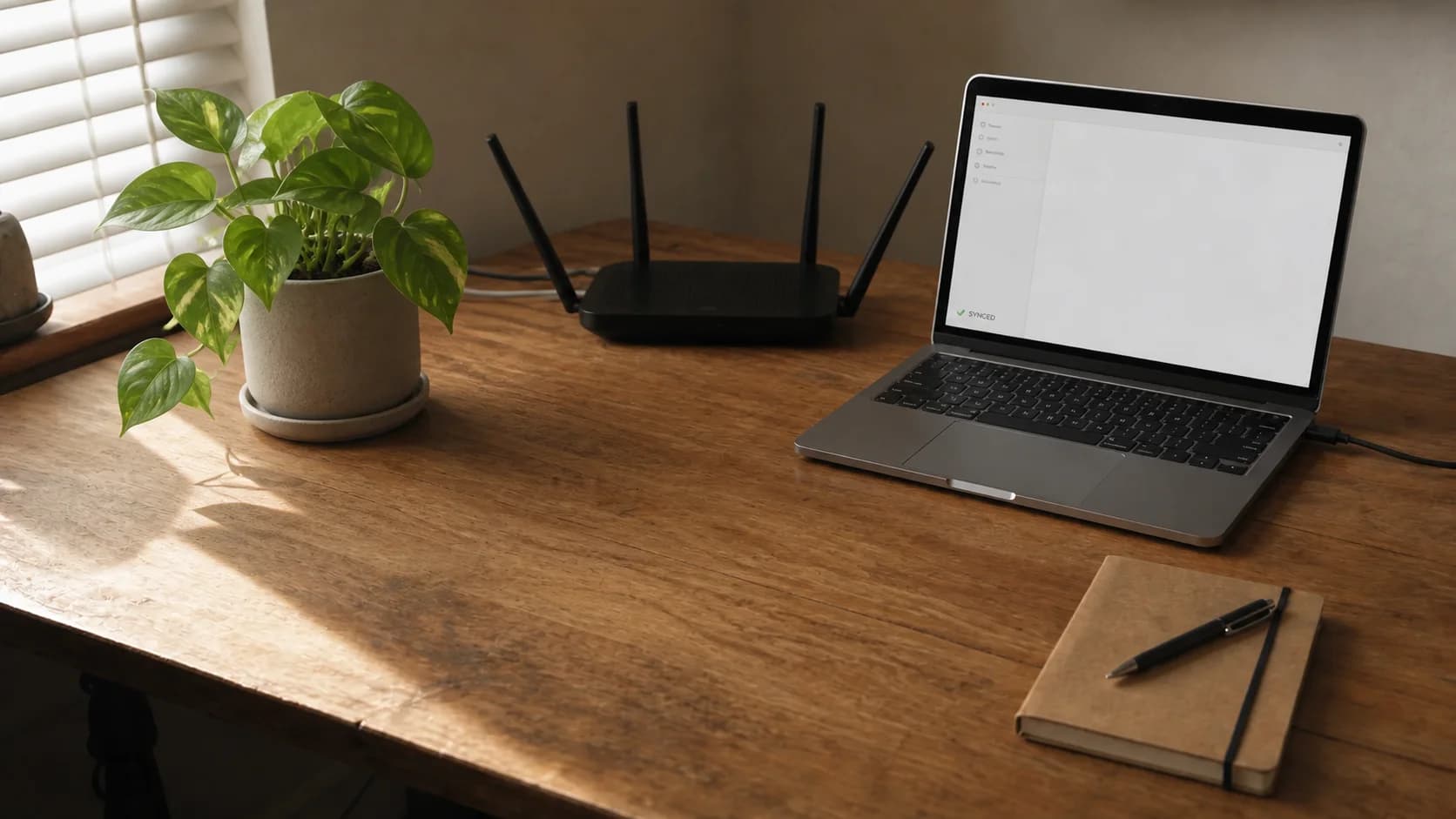
The app still commits locally first; the home network is only needed when background sync is enabled.
The boring parts decide whether it is trustworthy
Before calling an app local-first, I check these failure cases:
- Storage eviction: browser storage may be cleared, so request persistent storage where supported and provide export.
- Interrupted writes: use transactions or atomic file replacement; never overwrite the only good snapshot in place.
- Migration failure: keep the old data until the new schema opens successfully.
- Lost device: encrypt sensitive local data and document what the lock screen does not protect.
- Deletion: define whether deletion wins, how long tombstones remain, and when every replica forgets an item.
- Backup restore: test it. A backup button without a restore drill is decoration.
My first version would stay small
I would start with one document type, one local adapter, and manual encrypted export. Then I would test airplane mode, forced app termination during a write, a schema upgrade, and a restore on a fresh device.
Only after that works would I add peer sync. Local-first is not mainly about adding a CRDT dependency; it is about making the device-held copy complete, durable, and useful on its own. The cloud can remain an optional courier instead of becoming the owner of every click.
References and image sources
- GitHub - Automerge
- Ink & Switch - Local-first software
- GitHub - Yjs
- Cover source: Lau Clrd on Unsplash, customized for this article.
- Local storage source: Samsung Memory US on Unsplash, customized for this article.
- Peer sync source: TRIANGLEMZ on Unsplash, customized for this article.
Share
Keep exploring
Read next
Related articles
5G IoT with ESP32: Connect NB-IoT & LTE-M from Modem to MQTT
A practical ESP32 guide to integrating an NB-IoT/LTE-M modem: choose the network, power it safely, wire UART, use TinyGSM and send first telemetry.
Real-Time Operating System (RTOS): FreeRTOS on ESP32
A beginner-friendly guide to using FreeRTOS on ESP32 for multitasking firmware with tasks, queues, notifications, mutexes, and practical debugging habits.
Industrial IoT with ESP32: Modbus and Real-Time Control
A practical guide to Modbus TCP, Modbus RTU over RS-485, and PLC communication with ESP32 for reliable industrial IoT prototypes.