

LVGL and Mochi Robot: Building Emotional Interfaces for Embedded Devices - Part 1: The Power of LVGL in UI/UX Programming
How LVGL helps build emotional interfaces for Mochi Robot, including expressions, menus, battery status, and UI on small embedded displays.
Share
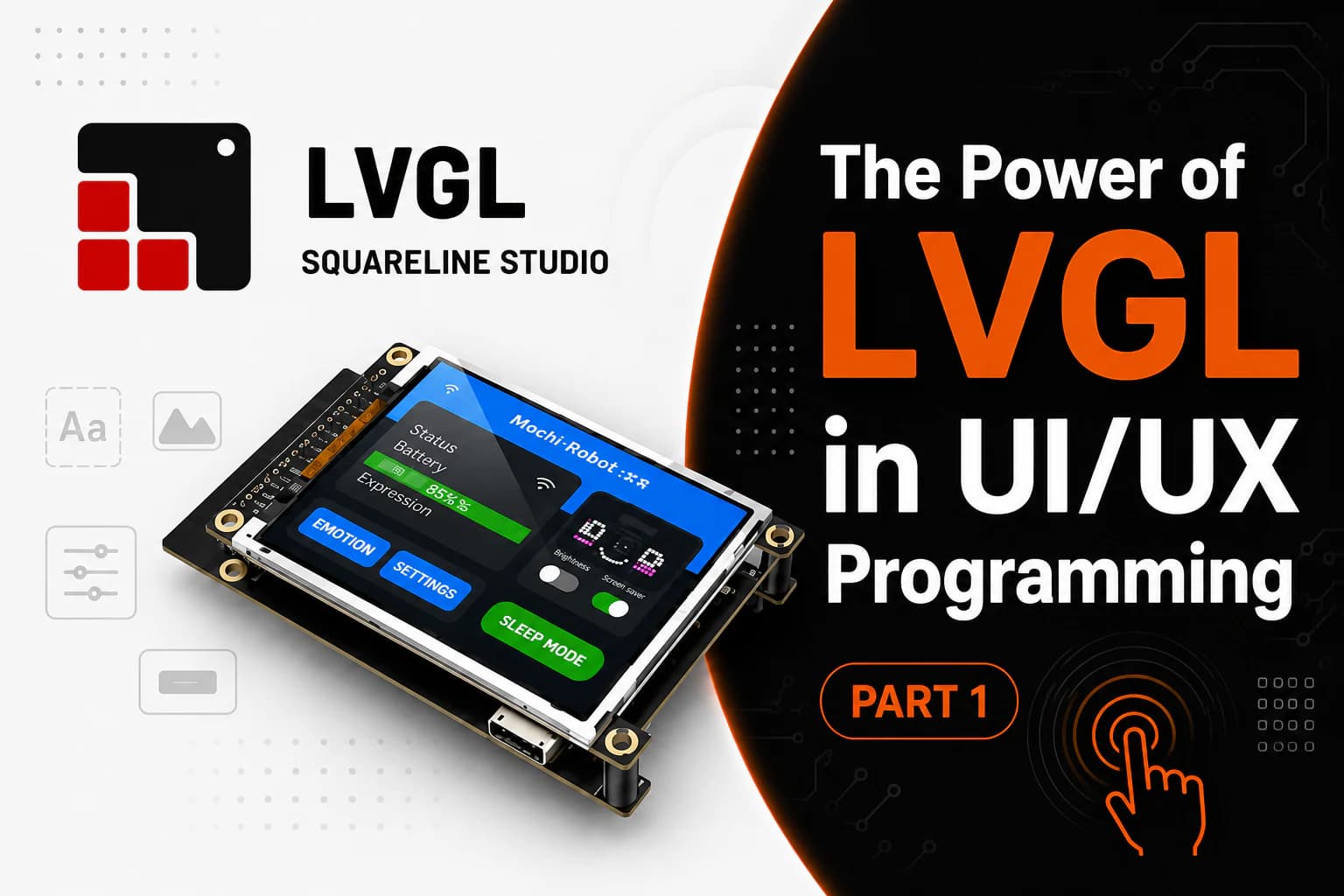
On a small embedded product — a desk robot, watch, IoT device, handheld meter, or control panel — the interface is more than a few lines of text. It is how the device tells you what it is doing. A good UI makes the product easier to understand and much closer to something you would want to use every day.
So what is LVGL?
LVGL stands for "Light and Versatile Graphics Library." It's an open-source graphics library written in C, designed to create user interfaces for embedded devices such as MCUs, MPUs, TFT displays, OLED displays, touch screens, and many other types of displays.
I think of it this way: drivers such as ST7789, ILI9341, GC9A01, or SSD1306 deliver pixels to the screen; LVGL is the layer above them that helps you build the interface. Instead of drawing every rectangle, label, button, and animation by hand, you can work with ready-made labels, buttons, images, sliders, lists, charts, screens, styles, and animations.
For those familiar with Qt, LVGL can be seen as a miniature UI framework for embedded systems. It's not as powerful or resource-intensive as Qt, but it's more suitable for microcontrollers with limited resources.
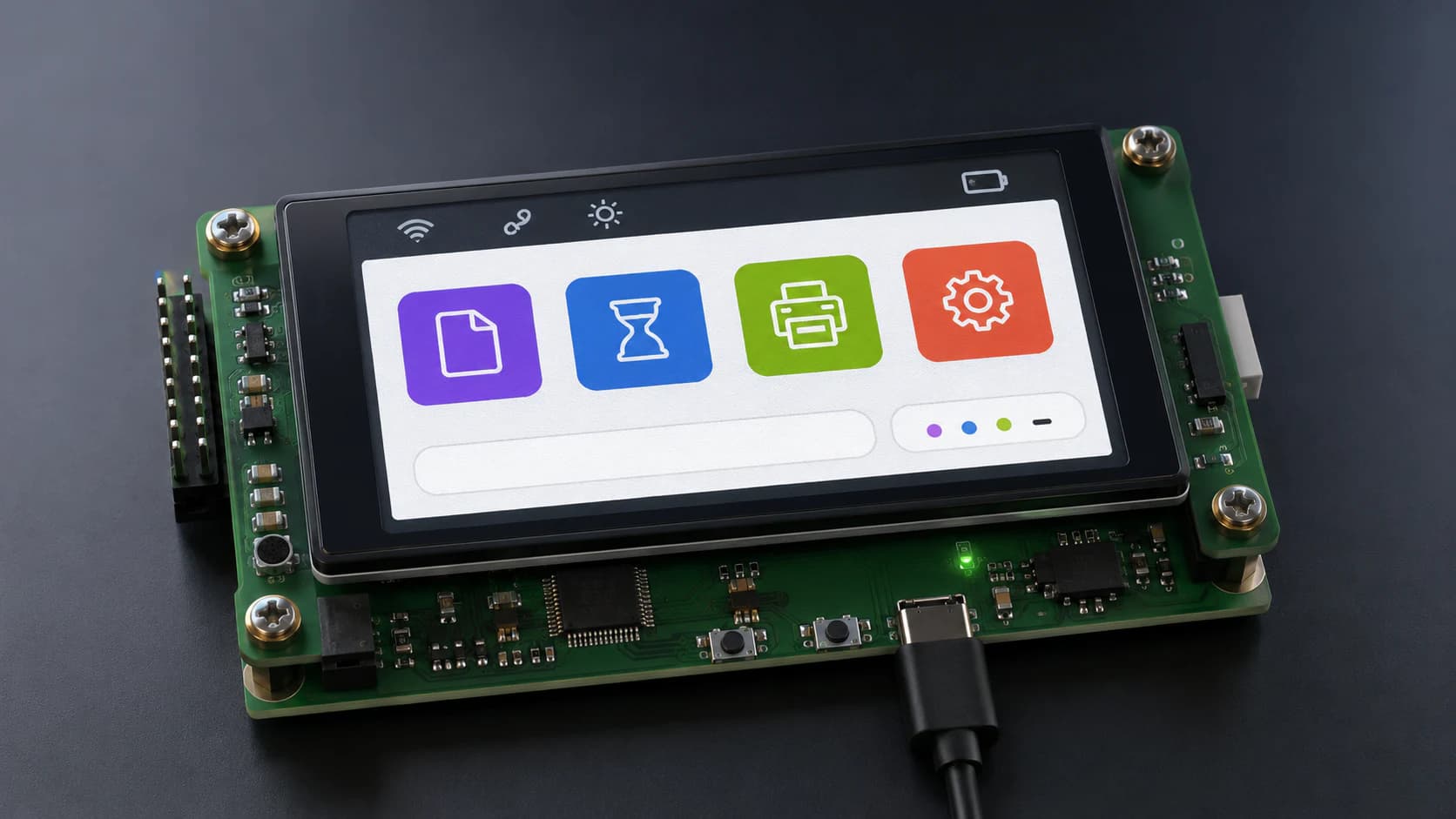
LVGL provides a great user experience and convenience for programmers.
Why is UI programming for chips difficult?
On computers or phones, we have powerful operating systems, large RAM, good GPUs, and complete UI frameworks. But on microcontrollers, everything is much more limited.
An ESP32, STM32, or RP2040 board usually only has a certain amount of RAM. The display might use SPI or I2C; the data transfer speed isn't very high. If the screen is larger, for example TFT 240x240, 320x240, or 480x320, constantly updating to full screen will consume significant resources.
If you write the UI from scratch, you have to handle many things yourself: drawing text, drawing icons, managing the screen, refreshing the change area, handling animation, handling touch input, managing interface state, and optimizing memory. This is manageable for small projects, but as the UI expands to more screens, the code quickly becomes cluttered.
LVGL solves this problem by providing a more clearly structured interface layer.
Where is LVGL located in the display system?
An embedded display system typically has multiple layers.
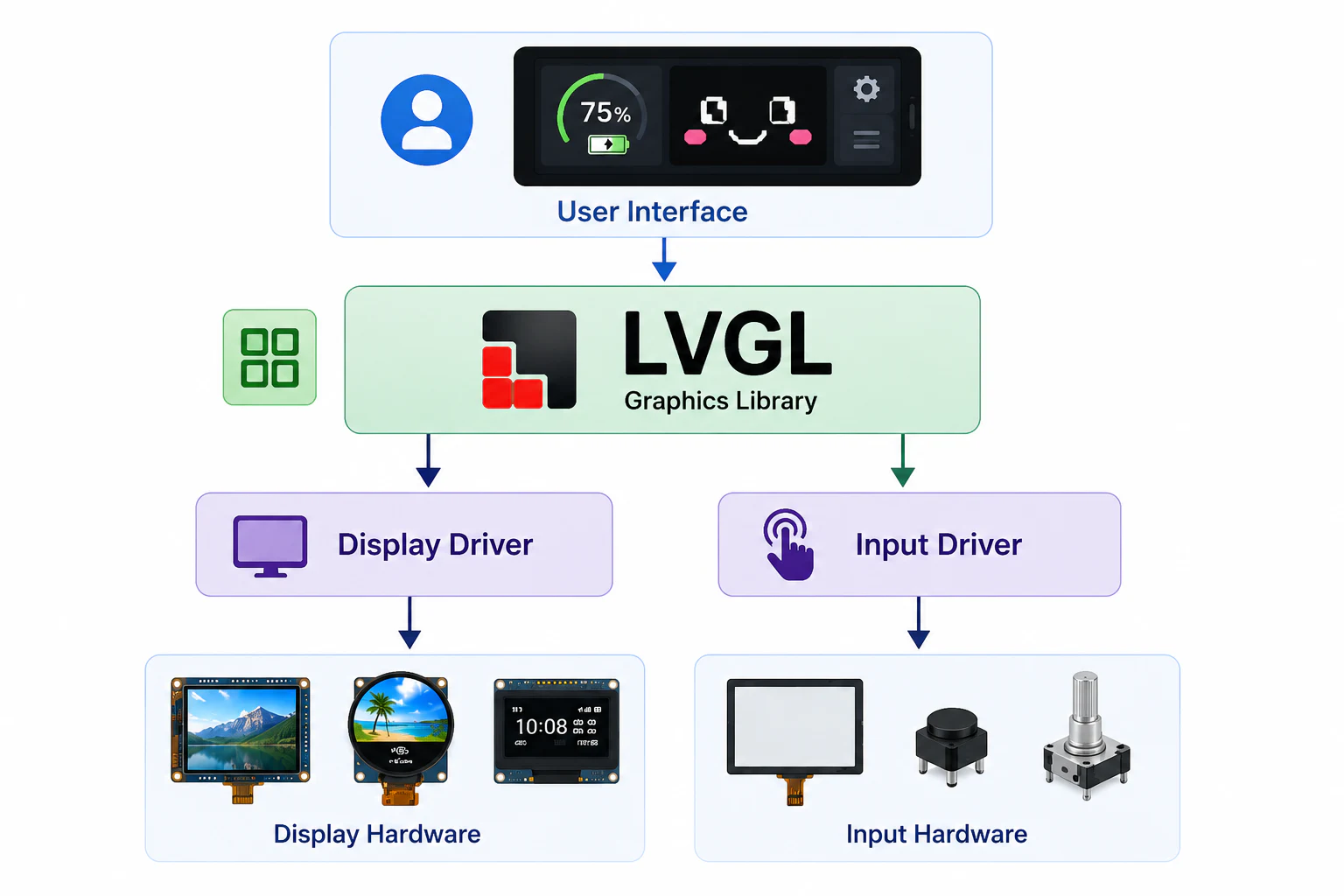
LVGL in the display system (UI/UX)
At the bottom is the hardware: controller chip, display, SPI/I2C/RGB/MIPI bus, touch sensor, backlight, and power supply.
Above is the display driver. For example, ST7789, ILI9341, GC9A01, and SSD1306 are common display chips or controllers. The driver's job is to initialize the display and send pixel data to the correct location.
Above the driver is the graphics or UI layer. This is where LVGL operates. LVGL doesn't completely replace the display driver. It needs a flush function to send the rendered image area to the driver. In other words, LVGL creates the interface content, while the display driver is responsible for delivering that content to the actual hardware.
With Mochi robots, the architecture can be envisioned as follows:
ESP32 / STM32 / RP2040 → Display driver, e.g., ST7789 or SSD1306 → LVGL → Mochi UI: face, expressions, battery icon, menu, connection status
This layer separation makes the project easier to expand. When changing the screen, you can change the driver below. When changing the interface, you adjust the LVGL section above.
Which chip families can LVGL be used with?
LVGL is designed to be hardware-independent, so it can be ported to many different chip families. Popular choices include ESP32, STM32, NXP, Renesas, RP2040, Nordic, or Linux-based MPUs.
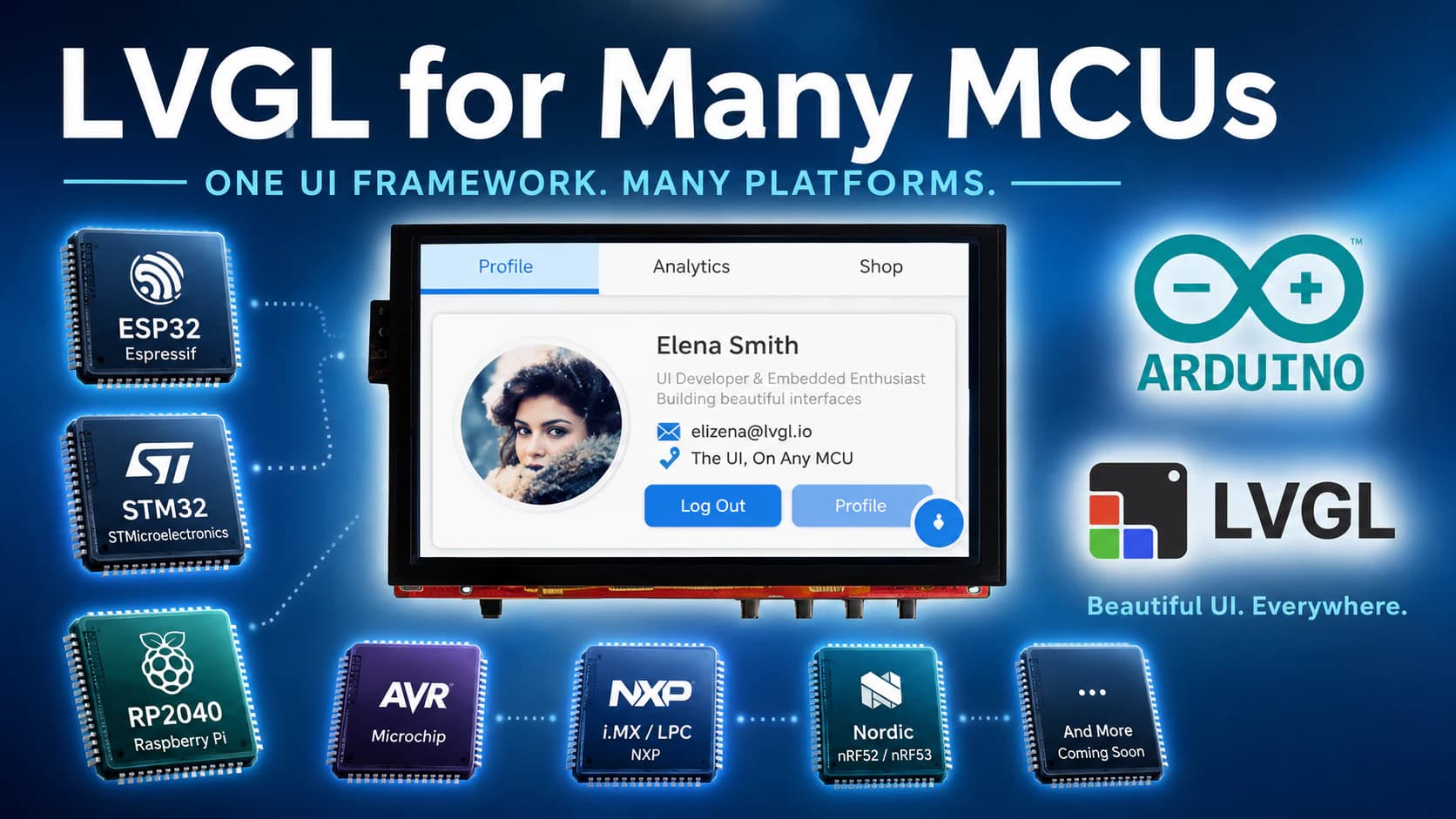
LVGL is compatible with many different chip families.
With ESP32, LVGL is often used in projects with color TFT screens, touch screens, or small console interfaces. ESP32-S3 is particularly better suited than ESP32-C3 if a more colorful UI, smoother animations, or a higher resolution screen is needed, as ESP32-S3 has better resources and is often used for display/AIoT applications.
However, this doesn't mean ESP32-C3 can't use LVGL. With a small screen, simple UI, few widgets, and reasonable buffer optimization, ESP32-C3 can still run basic interfaces. Just avoid overly high expectations such as complex animations, multiple layers, large images, or constant full-screen refreshes.
Is LVGL suitable for 128x64 OLEDs?
With 128x64 OLED screens like the SSD1306, LVGL can still be used, but careful consideration is needed. If the project only displays simple icons, short text, or bitmap animations, sometimes using a lighter library like U8g2 or Adafruit SSD1306 will be simpler.
However, if you want to build a long-term UI architecture for Mochi, LVGL is still worth trying. The reason is that Mochi may not only use 128x64 OLEDs in the future. You can upgrade to 1.28-inch, 1.69-inch, 2.0-inch color TFT screens or round GC9A01 screens. In that case, LVGL will have a clear advantage because it supports styles, screens, animations, images, and inputs better.
My short version is this: you probably do not need LVGL for a tiny OLED, but it becomes very useful once Mochi has a color screen or an interface with several states.
Related reading
Share
Keep exploring
Read next
Related articles
LVGL and Mochi Robot: Building Emotional Interfaces for Embedded Devices - Part 2: Mochi & LVGL
Part 2 of the Mochi LVGL series, covering faces, expressions, battery status, connectivity, screens, components, and UI states.
Pika GIF Emoji Set for Mochi Robot – 21 Expressions (360x240)
GIF Pika emoji set includes 21 animated expressions, sized 360x240. Suitable for Mochi Robot screen, robot face UI, AI companion, and other UI projects.
What Is Embedded UI, And Why It Matters
What embedded UI means for small devices, why small screens have small budgets, and why it deserves attention as its own discipline.