

What Is Embedded UI, And Why It Matters
What embedded UI means for small devices, why small screens have small budgets, and why it deserves attention as its own discipline.
Share
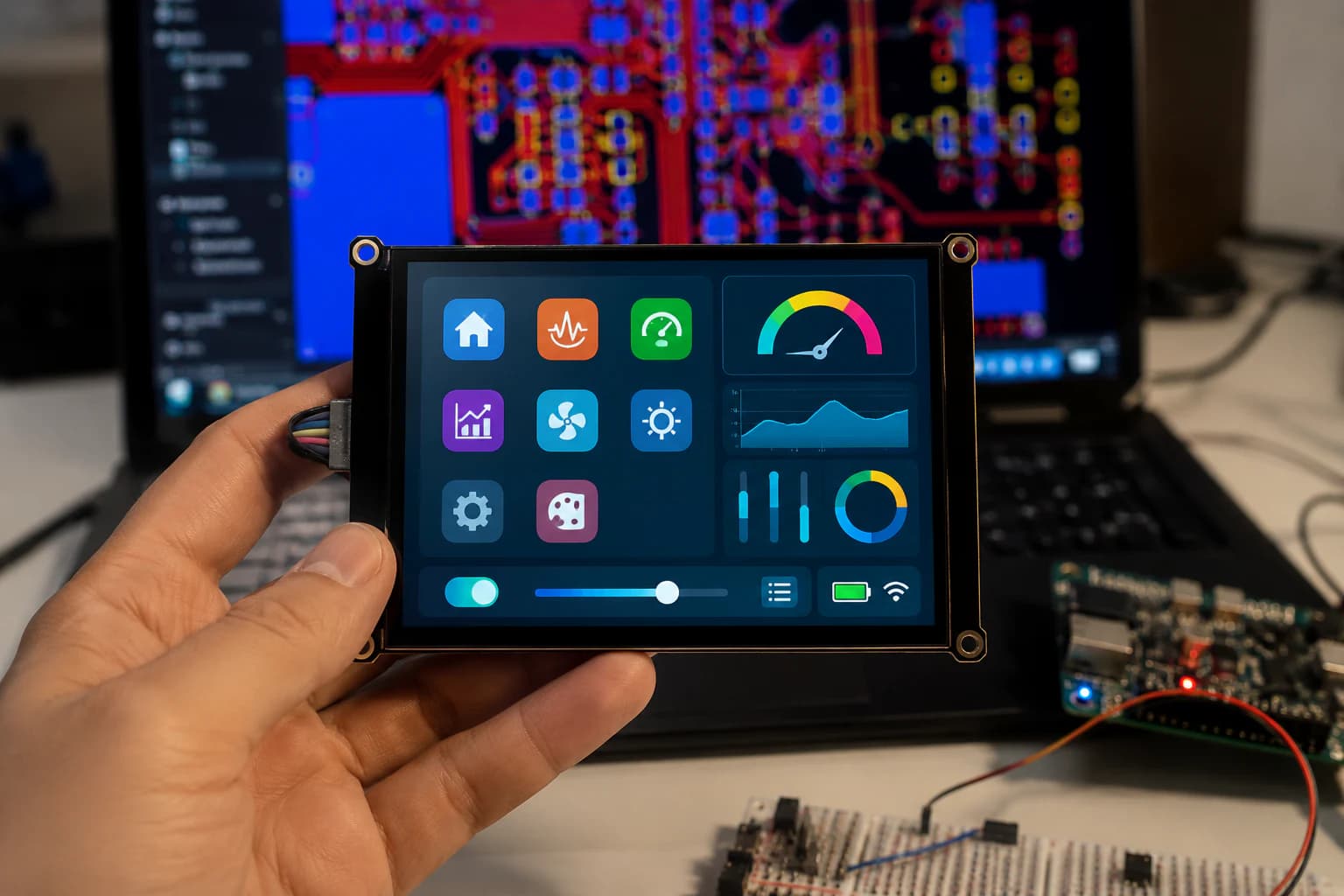
What Embedded UI Means Here
Embedded UI is how a small device communicates with a person using very limited resources: a small screen, a few LEDs, a buzzer, or sometimes nothing but a single blinking light. It is a different discipline from app or web UI, even though the goal is similar — help someone understand what the device is doing and what to do next.
When I say “embedded UI” on Nastrotek, I mean anything from a blinking status LED to a small display with a menu. The constraint is usually the same: little memory, limited processing power, and no room for a large, polished design system.
Small Screens Have Small Budgets
A phone app can lean on animation, color, and generous spacing. An embedded display usually cannot. A small monochrome screen might have a handful of kilobytes of frame buffer, a low refresh rate, and no easy way to render smooth transitions.
That changes how I approach the design. Instead of asking “how should this look?”, I start with “what is the minimum information you need right now?” A number, a short label, and one state indicator often communicate more than a busy layout that looks impressive in a render but is hard to read on the real hardware.
States Matter More Than Style
For embedded UI, the more important design decision is usually not color or font — it is the state machine. What can the device be doing at any moment, and how does the display or light pattern make that state unambiguous?
A common mistake is designing only the "happy path" screen and leaving states like connecting, error, low battery, or waiting for input as an afterthought. In practice, users spend a surprising amount of time in those in-between states. If the UI cannot express them clearly, the device feels unreliable even when the underlying logic is correct.
Designing For Errors, Not Just Success
A small device fails in small, specific ways: a sensor is disconnected, a connection drops, a battery is critically low. Embedded UI should be able to represent these states without needing a full error message system.
This does not require complexity. A blinking pattern that means "check the connection," a short code shown on a two-line display, or a distinct color on an RGB LED can carry enough meaning if it is documented and used consistently. The goal is not to explain the error in full — it is to give the person enough signal to know what to check first.
Consistency matters more here than in most UI work, because there is rarely room to explain a symbol the first time it appears. If a slow blink means "waiting" in one screen and "error" in another, the whole signaling system becomes unreliable, even if each individual pattern was reasonable on its own.
Why Embedded UI Deserves Its Own Attention
It is easy to treat embedded UI as an afterthought once the hardware works and the firmware runs. In practice, it is often the first thing a person judges the product by, since it is the only part they can see and interact with directly.
Good embedded UI does not need to be visually rich. It needs to be honest about the device's current state, consistent across similar situations, and readable under normal conditions — not just on a bench with good lighting and a fresh unit. Treating it as its own discipline, with its own notes and decisions, tends to produce devices that feel more trustworthy even when the hardware behind them is still rough.
On Nastrotek, embedded UI notes will sit alongside hardware and firmware notes rather than as a separate track, since most of the interesting decisions happen exactly where those three areas meet.
References
If you want to take these notes into a real prototype, the sources below are the places I use to double-check terminology, limits, and engineering recommendations.
Related reading
Share
Keep exploring
Read next
Related articles
Displaying Expressive GIFs on ESP32 with LVGL
A practical guide to animated GIF expressions in ESP32 firmware: convert assets, enable LV_USE_GIF, store files, and render with lv_gif.
GIF, PNG, JPG, or a C Array: Which Image Format Fits Your ESP32 Screen?
Compare GIF, PNG, JPG, and C array images for ESP32 displays by flash use, RAM use, decode speed, alpha, animation, and quality.
LVGL and Mochi Robot: Building Emotional Interfaces for Embedded Devices - Part 1: The Power of LVGL in UI/UX Programming
How LVGL helps build emotional interfaces for Mochi Robot, including expressions, menus, battery status, and UI on small embedded displays.