

How Free Design Resources Will Be Shared
How Nastrotek prepares and shares design files, templates, source code, and free documents clearly.
Share
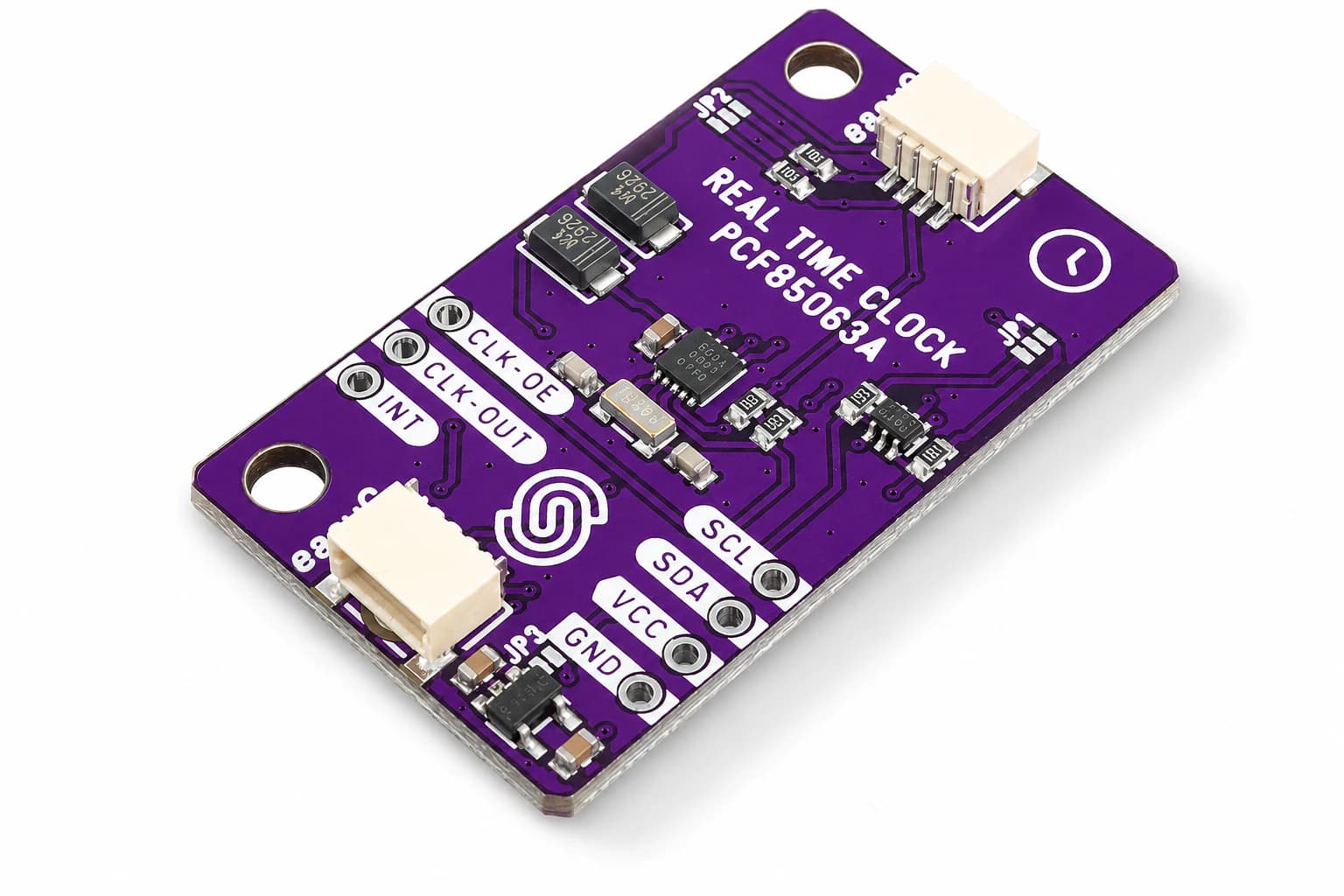
Free Resources Need Context
I want to share free design resources on Nastrotek without turning Resources into a messy download folder. A useful file needs context: what it is for, where you can edit it, what its limits are, and whether it fits your project.
The first resources may include interface files, technical-note templates, writing checklists, sample code, or small embedded UI documents. My rule is simple: you should be able to open an item and understand its purpose quickly.
How Resources Are Packaged
Each resource should have a simple structure. The introduction explains the purpose. The main section links the file or code. The notes explain what can be edited and what needs care.
If the resource is a design template, it should include colors, spacing, and component examples. If it is source code, it should include a short README and basic run commands.
Do Not Share Everything Too Early
Free does not mean rushed. Some experimental files may be mentioned in articles before they are ready for Resources. I only want to share items that are clear enough for someone else to try without too much cleanup.
This is especially important for source code and hardware files. A file without status can be misunderstood as production ready.
Planned Resource Groups
Product Design may include feature description templates and review checklists. Embedded UI may include small layouts, palettes, icons, and flow examples. Hardware and PCB Design may include naming checklists, test point notes, and review templates.
Firmware may include small code examples, module structures, and logging patterns. Mochi resources will be shared when they are clear enough to stand apart from the devlog.
Keep Usage Rights Clear
Each resource should explain how it can be used. If a file is free, readers should know whether they can edit it, learn from it, or use it in a personal project.
Resources will grow slowly. Each item should solve a small need and stay easy to understand.
What makes a resource useful
A useful resource should answer three questions quickly: what is inside, what problem it helps with, and what needs to be checked before reuse. A download link alone is rarely enough, especially for hardware files. A PCB, enclosure, template, or firmware snippet always carries assumptions about tools, dimensions, voltage, version, and context.
That is why each resource should include short notes beside the file itself. If the file is a design template, the notes should explain the intended workflow. If it is a PCB design, the notes should mention verification status, license, main components, and what still needs review. If it is a 3D model, the notes should mention fit checks, print assumptions, and assembly constraints.
How this helps readers
Clear packaging saves readers from guessing. It also makes the resource easier to find through search because the page contains the same words people use when they are deciding whether a file is useful: format, compatibility, license, source, dimensions, components, and limitations.
A steady resource library
Over time, I want the resource section to become more useful because each file points back to the note that explains it. A template is better when you can see why it exists, and a design file is safer to reuse when the page says clearly what has and has not been tested.
Related reading
Share
Keep exploring
Read next
Related articles
3D Model: Mochi Helmet Headphone
Download an improved Mochi Helmet 3D shell with headphone-style earcups, more internal space, and easier prototype customization.
What Is Embedded UI, And Why It Matters
What embedded UI means for small devices, why small screens have small budgets, and why it deserves attention as its own discipline.
Mochi Devlog 01: Early Development
The first Mochi devlog: early hardware questions, first firmware decisions, and what already went wrong.