

NotesFirmware
ESP32 Beginner Guide – P5: Wi-Fi and Web Server
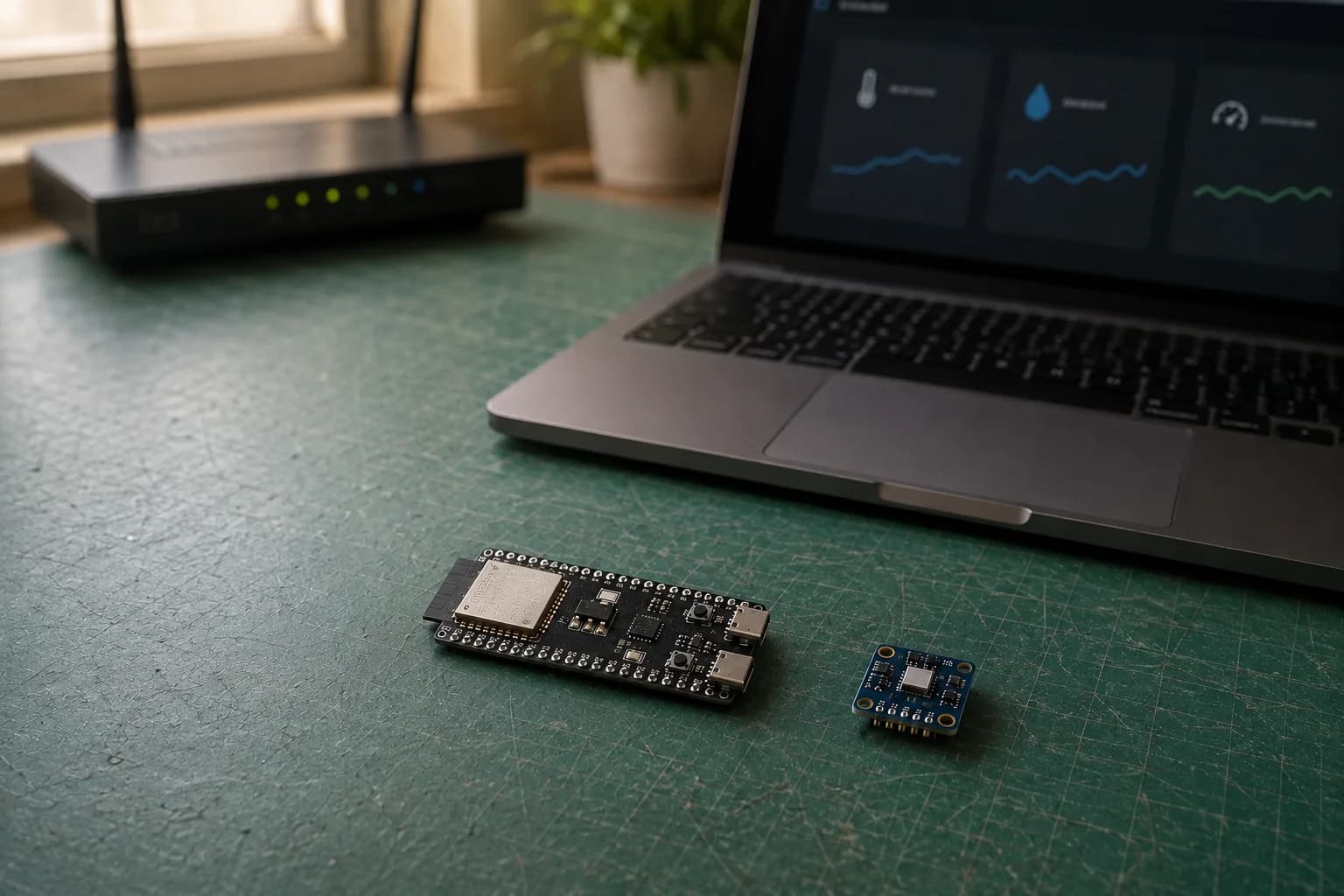
Connect ESP32 to Wi-Fi, find its IP address, and build a local web server that displays BME280 temperature, humidity, and pressure in a browser.
Read more
Tags
Everything tagged “Arduino-ESP32” across notes, resources, and Mochi logs.
Connect ESP32 to Wi-Fi, find its IP address, and build a local web server that displays BME280 temperature, humidity, and pressure in a browser.
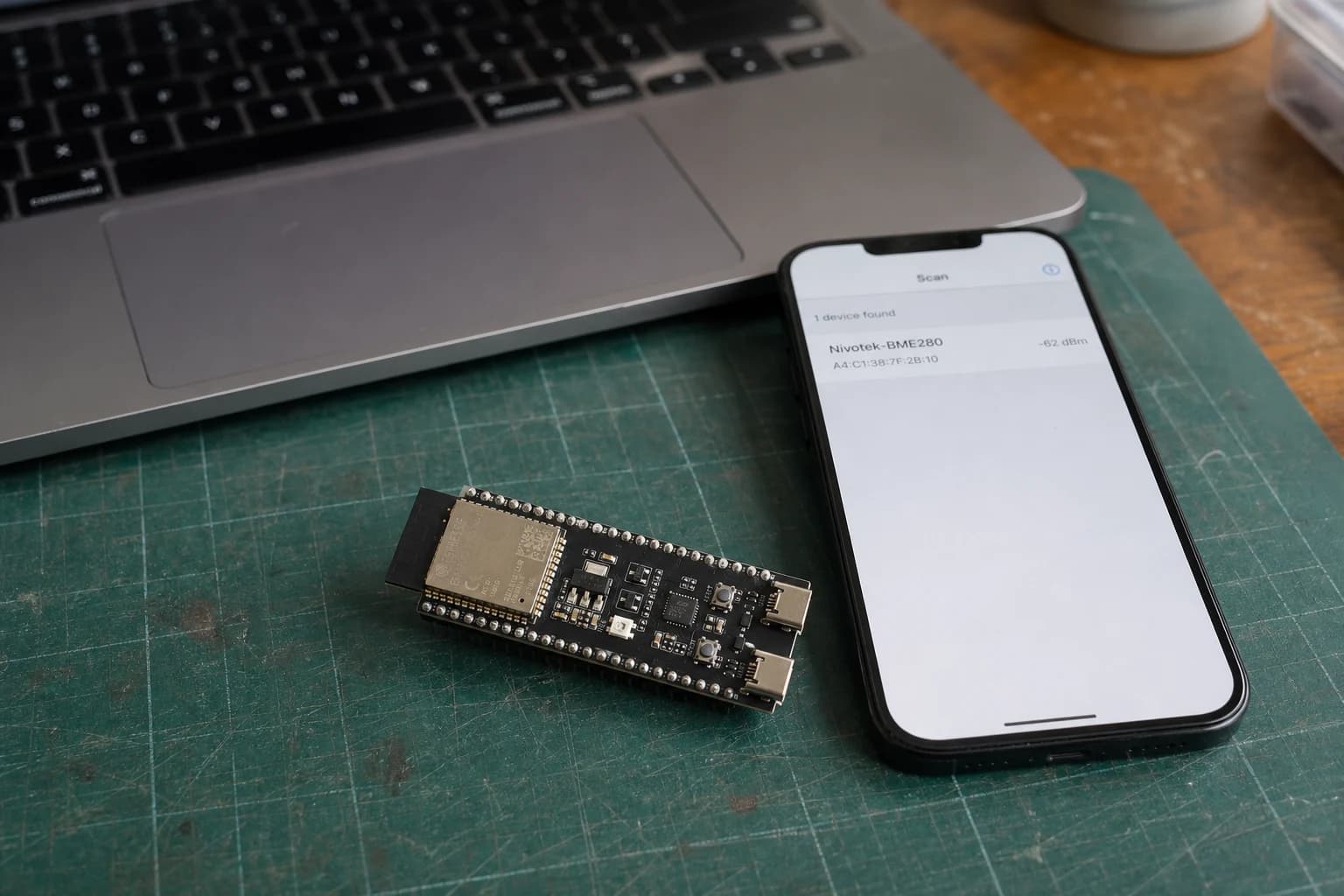
Learn ESP32 BLE, GATT services, and characteristics by sending BME280 readings to a phone with Read and Notify.
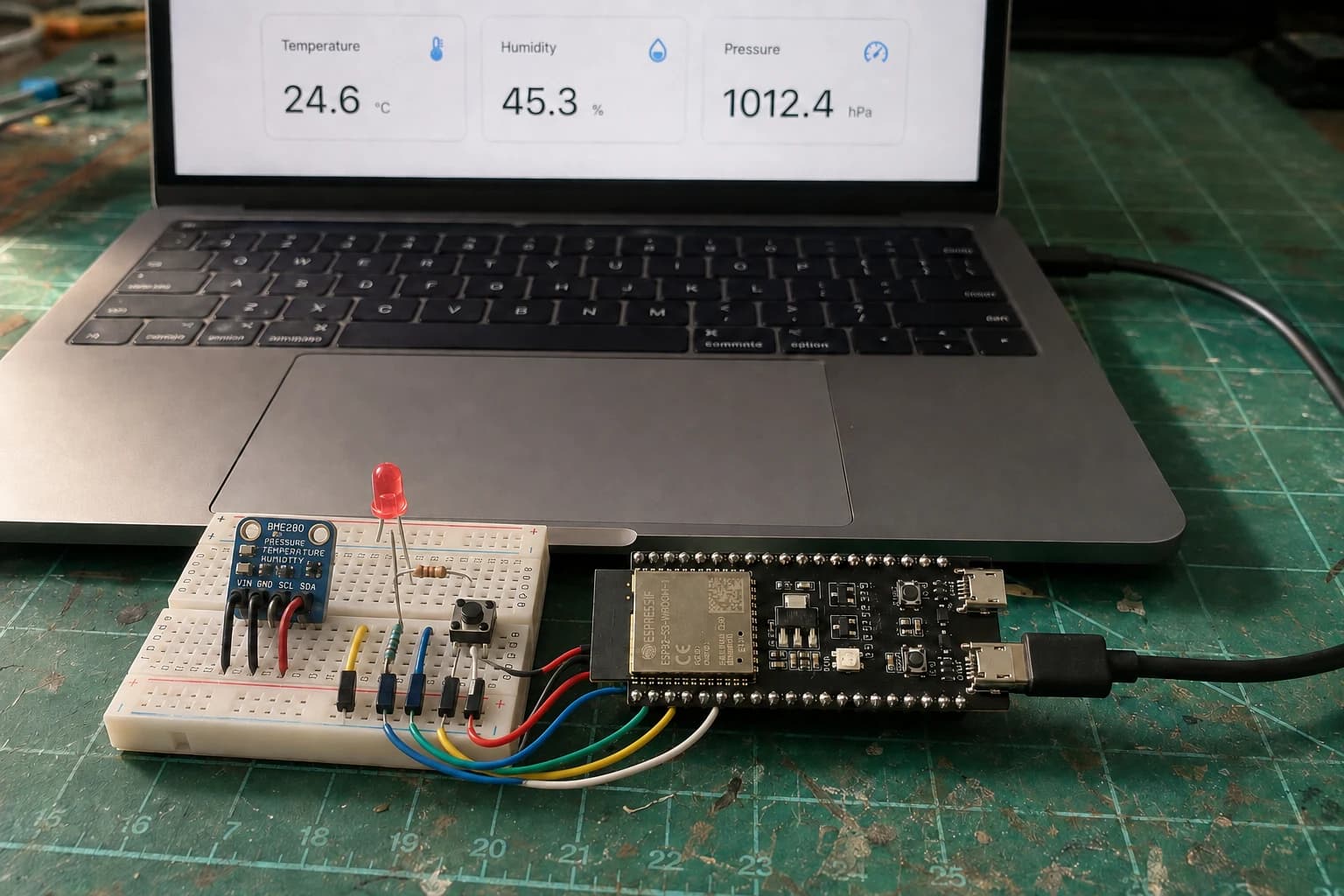
Finish the series with a Room Comfort Monitor: ESP32 reads a BME280, controls a warning LED and serves a local Wi-Fi dashboard.
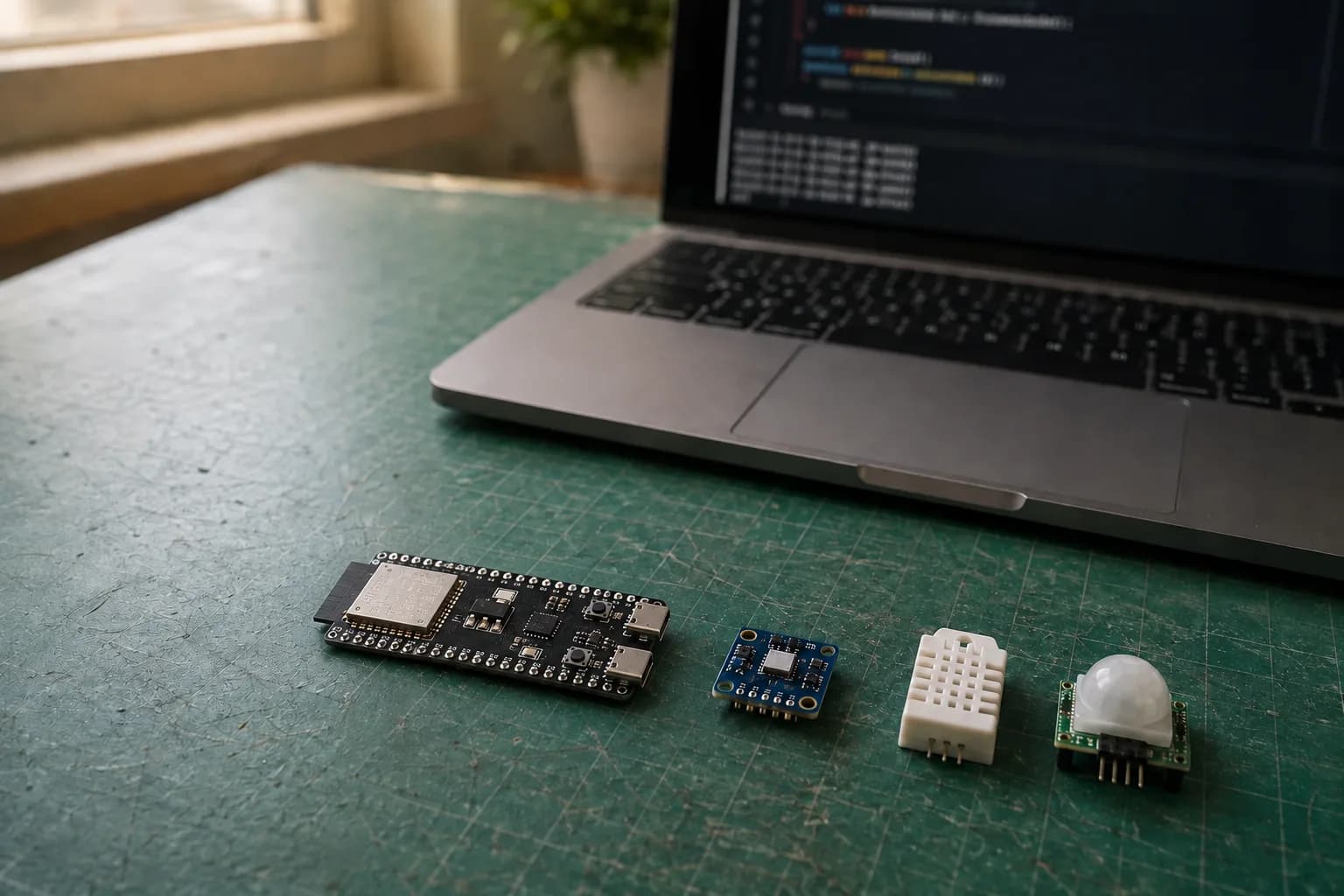
Connect digital, analog, and I2C sensors to ESP32; read temperature, humidity, and pressure from a BME280 and diagnose devices that are not detected.
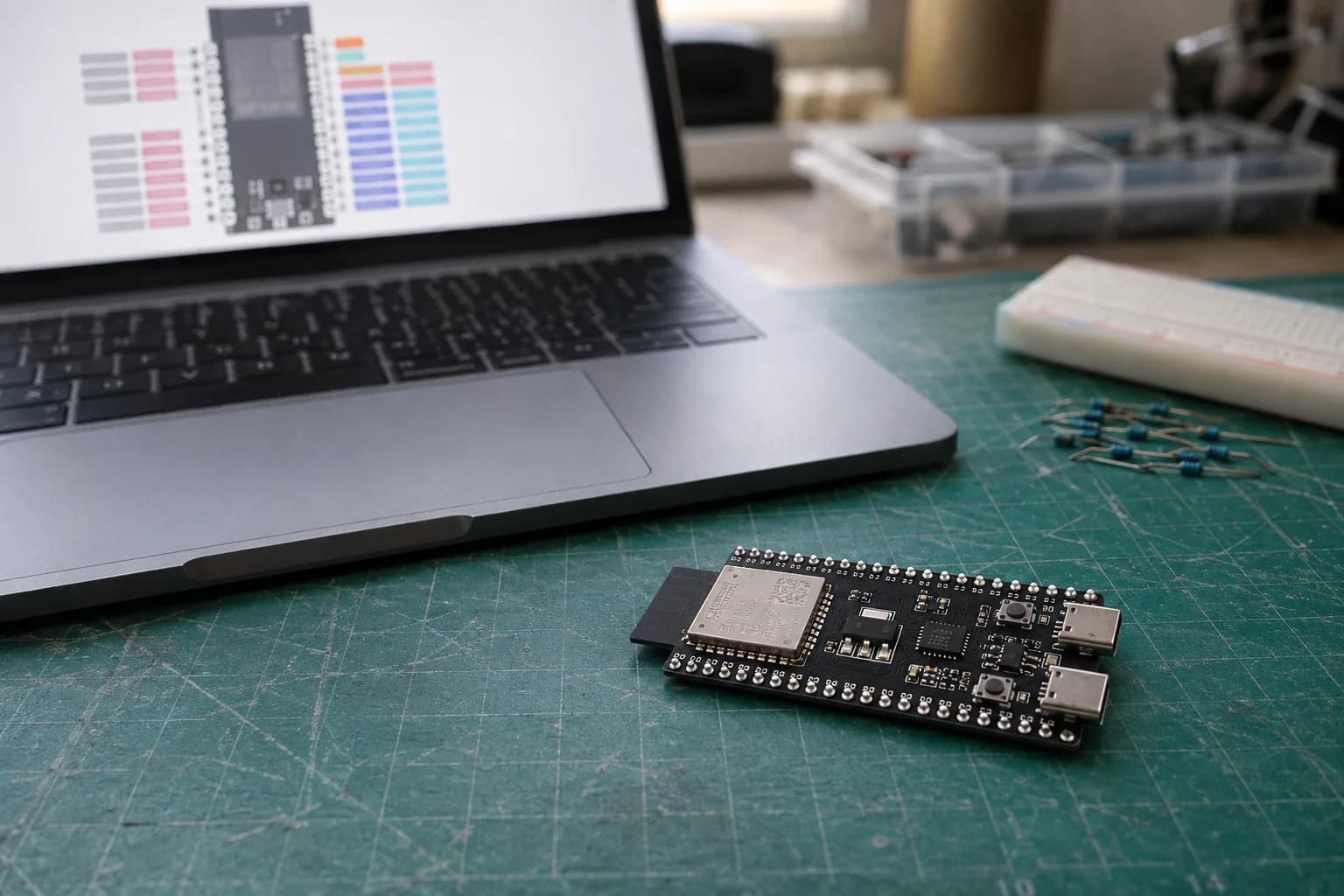
Read an ESP32 pinout, choose GPIO for input and output, use pull-ups, wire an LED and button, and avoid boot, flash, PSRAM, and unsafe 5 V signals.
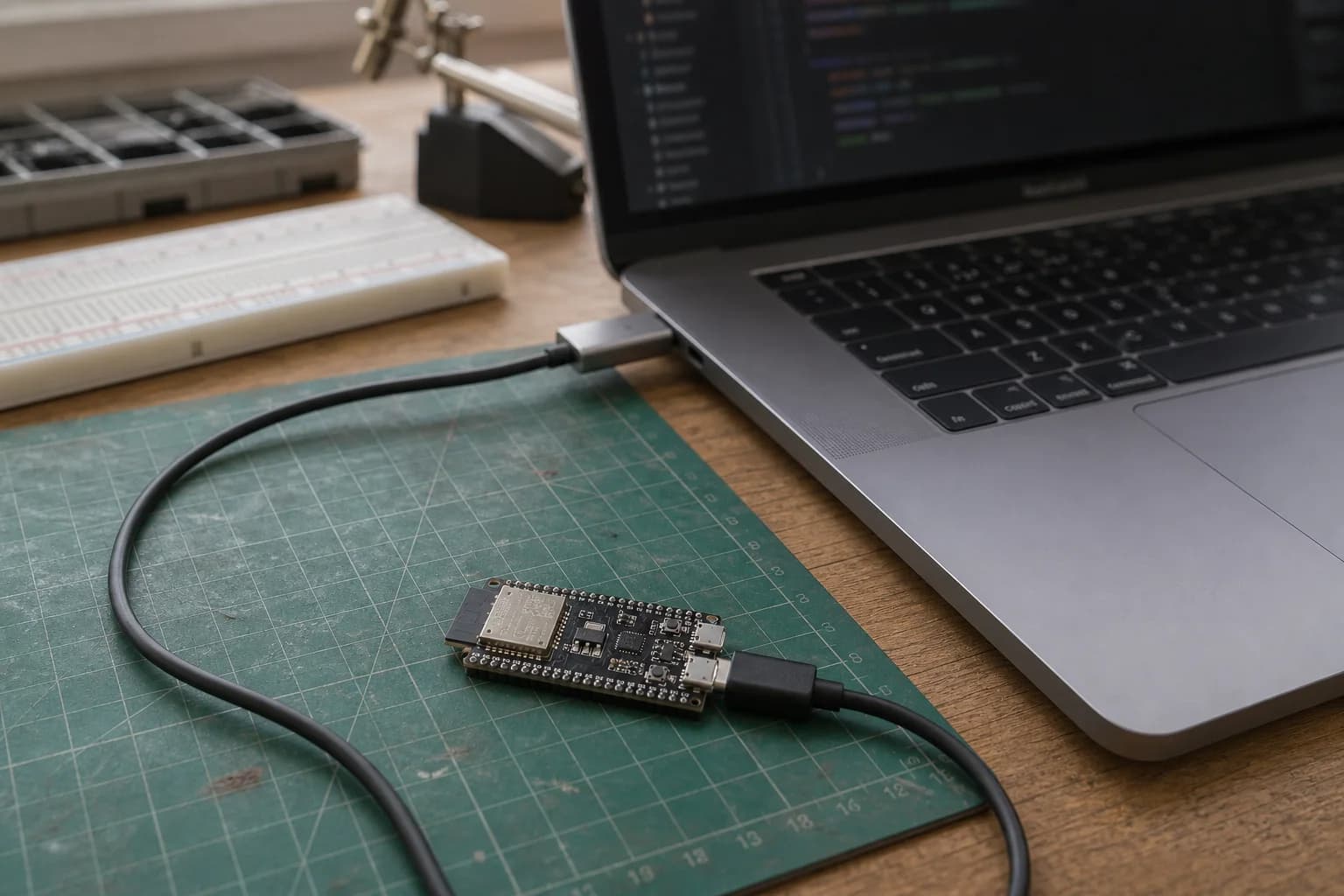
Install Arduino IDE and Arduino-ESP32, select the correct board and port, upload your first sketch, and fix Failed to connect errors on ESP32, ESP32-C3, and ESP32-S3.
Nastrotek uses cookies for analytics and ad personalization to help us understand how the site is used. You can accept or decline non-essential cookies. Privacy Policy