

NotesFirmware
STM32 Beginner - P3: UART, I2C, and SPI with HAL
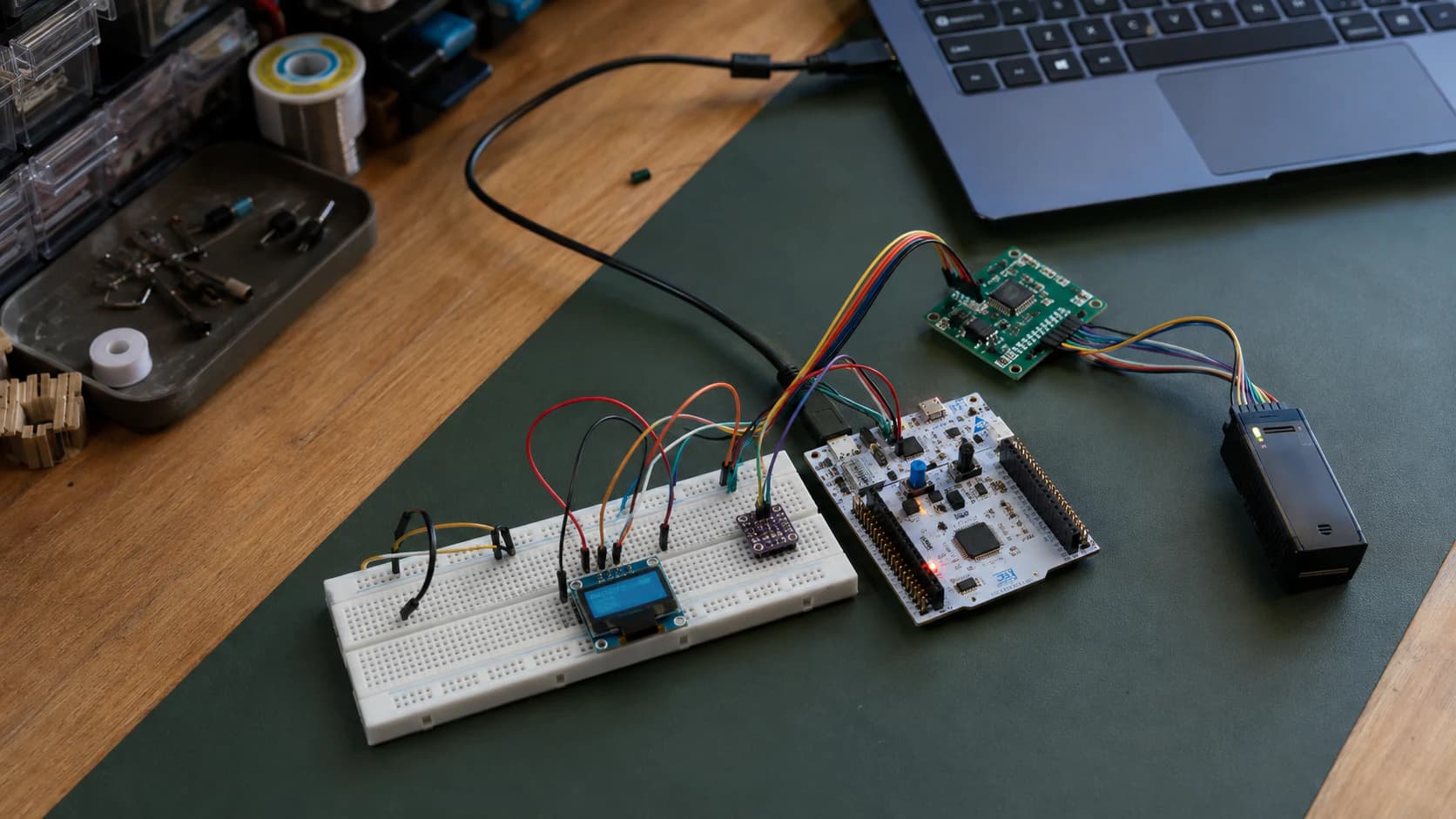
Learn the three common STM32 interfaces: use UART for debugging, I2C for sensors, and SPI for displays or memory with STM32CubeIDE and HAL.
Read more
Tags
Everything tagged “Beginner Guide” across notes, resources, and Mochi logs.
Learn the three common STM32 interfaces: use UART for debugging, I2C for sensors, and SPI for displays or memory with STM32CubeIDE and HAL.
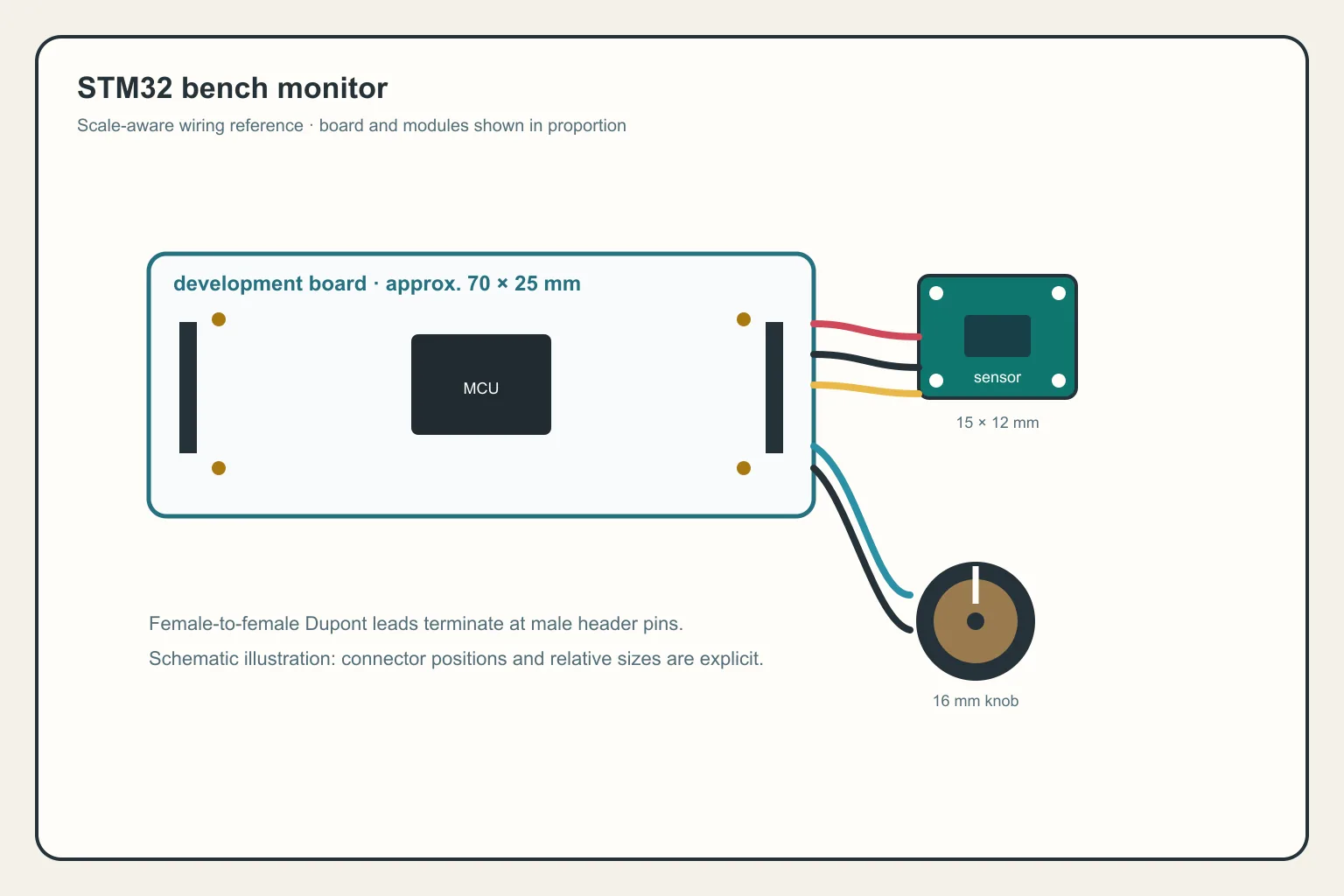
Combine timer, ADC, DMA, PWM, I2C, and UART into a small STM32 bench monitor with a clear firmware architecture, fault handling, and room to grow into a real project.
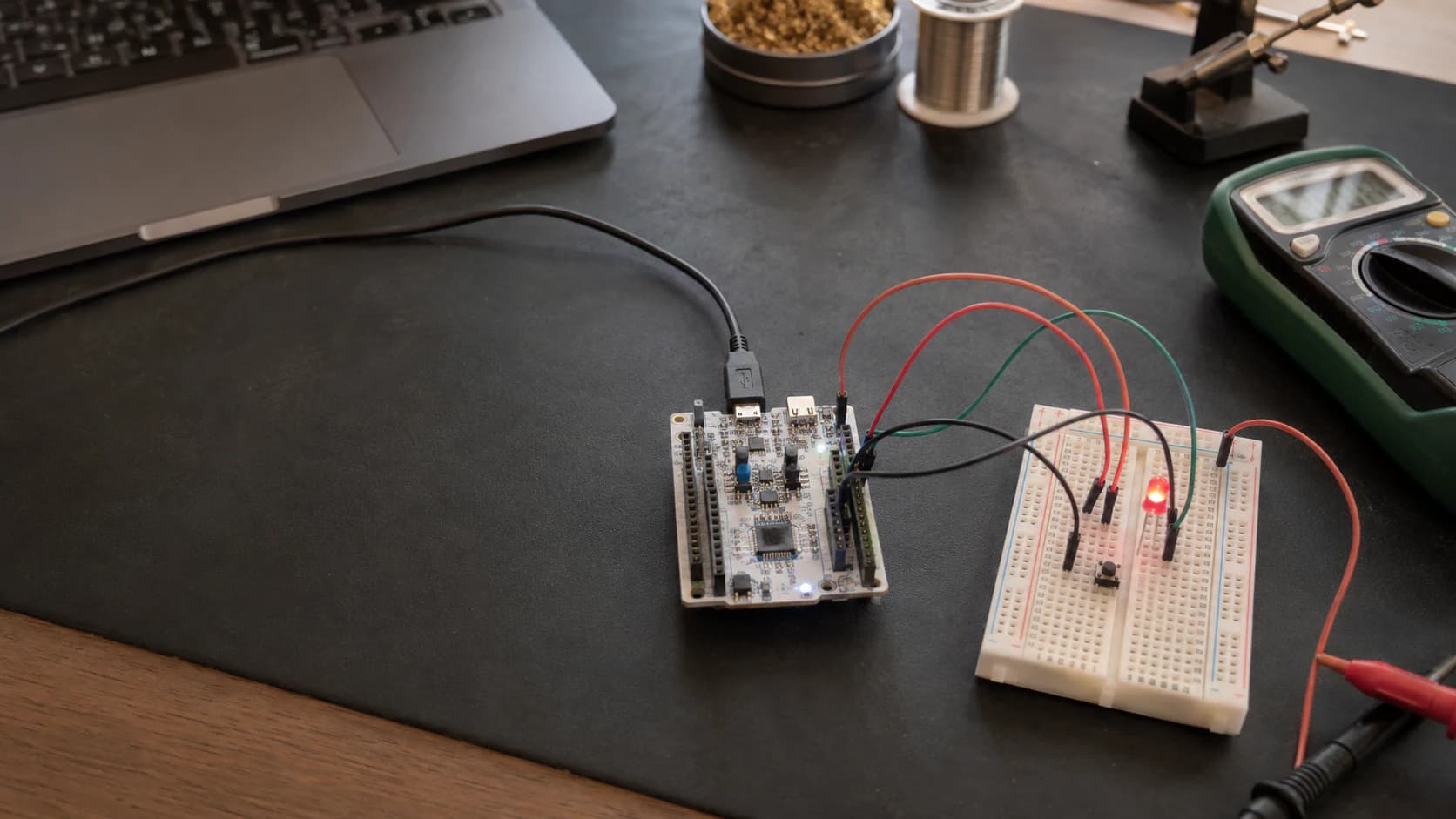
Learn to configure GPIO, capture a button event with an EXTI interrupt, and create a periodic time base with a timer on STM32CubeIDE using a NUCLEO-G071RB board.
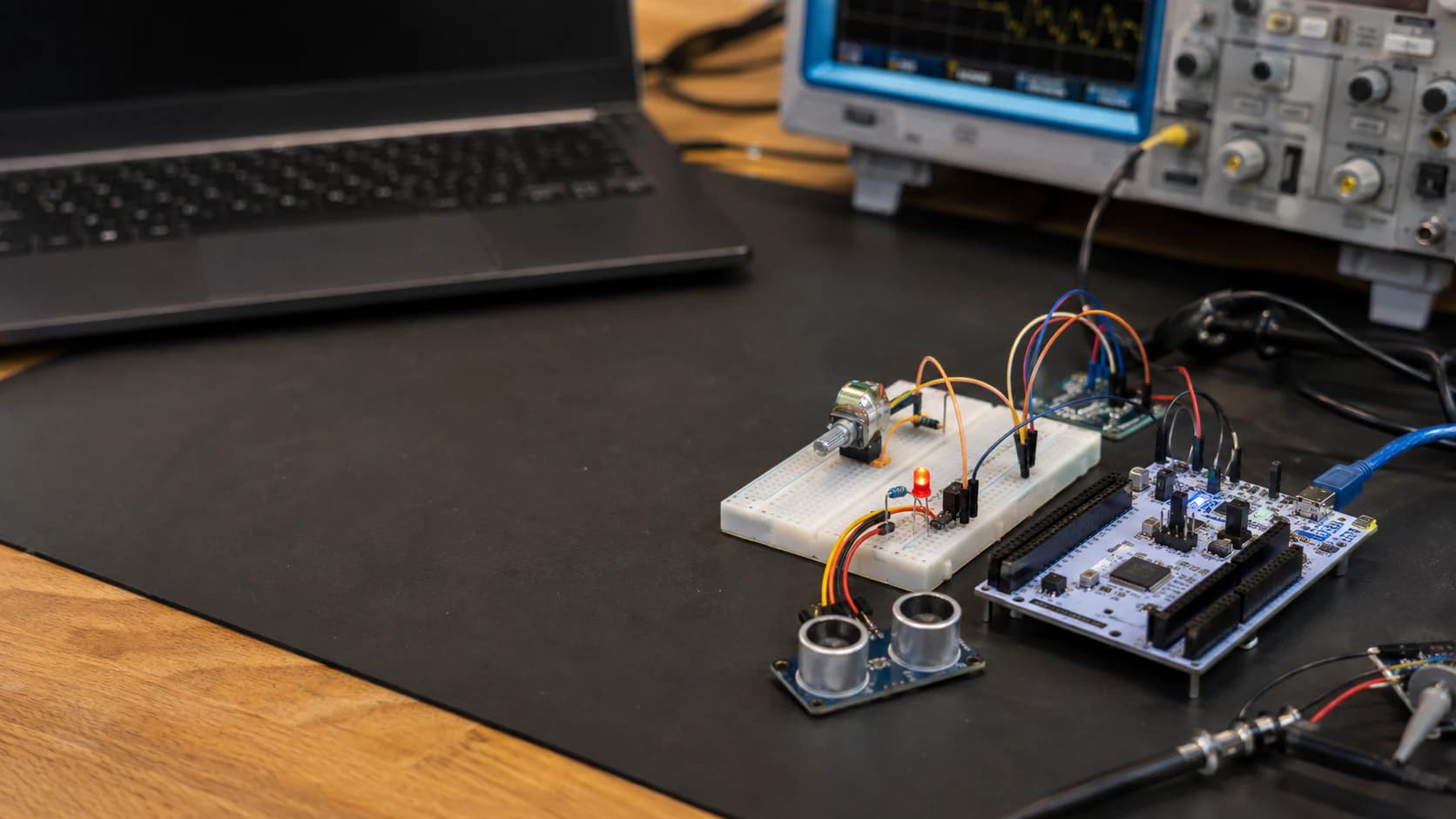
Learn to read analog signals with ADC, control LED brightness with PWM, and transfer multiple samples through DMA on STM32CubeIDE using HAL.
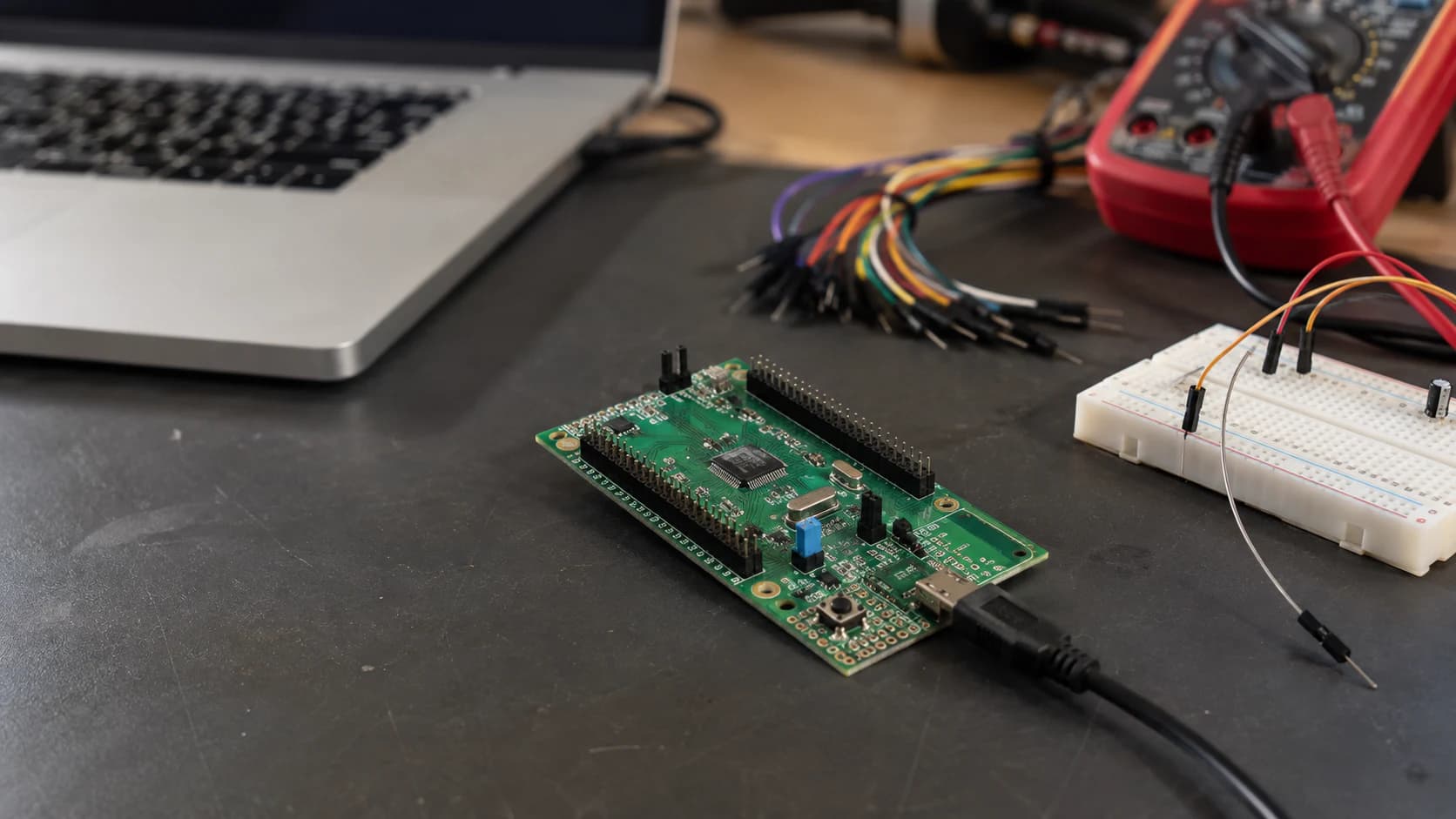
Learn what STM32 is, distinguish chips, modules, and development boards, then choose a practical board for learning GPIO, HAL, STM32CubeIDE, and embedded firmware from the beginning.
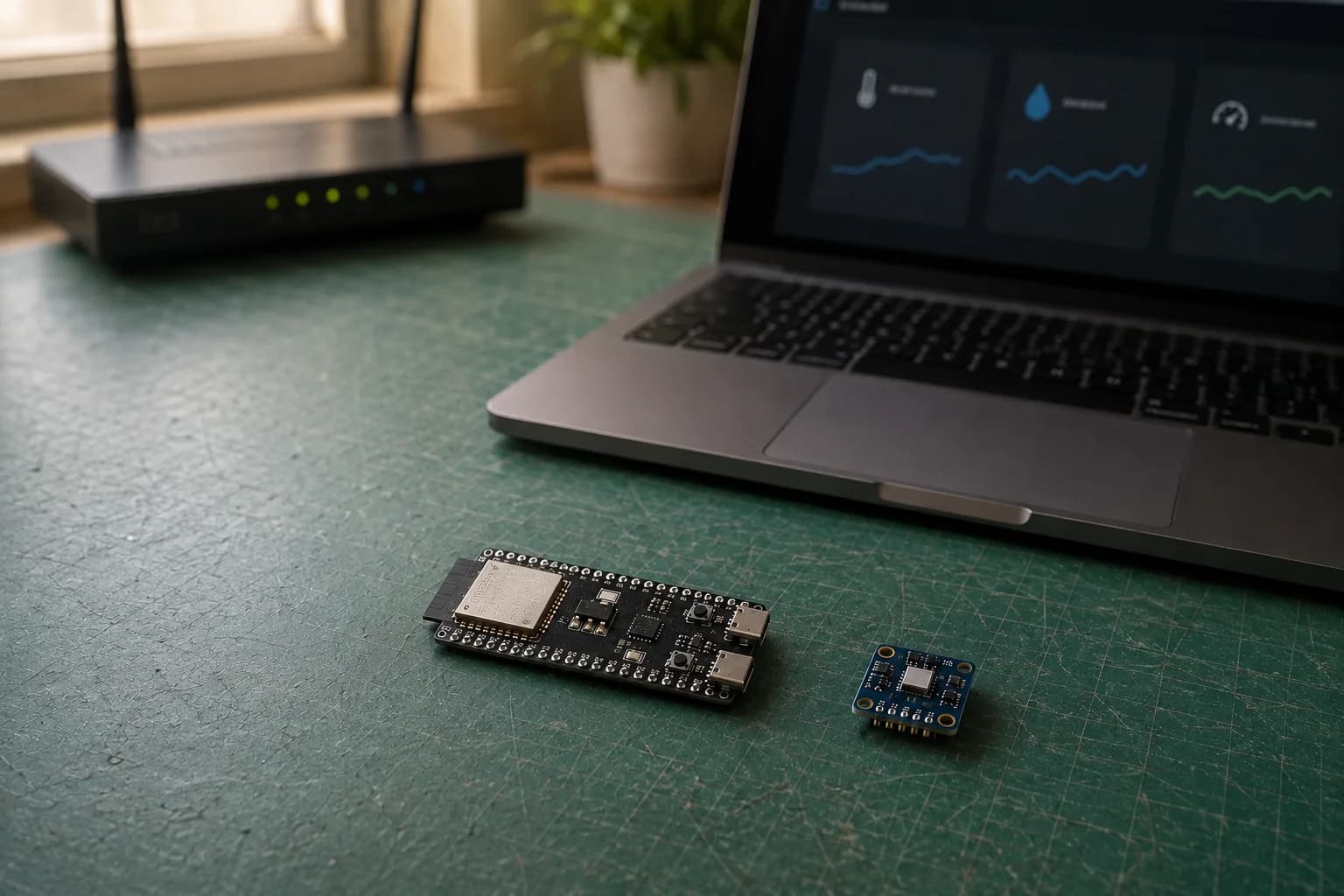
Connect ESP32 to Wi-Fi, find its IP address, and build a local web server that displays BME280 temperature, humidity, and pressure in a browser.
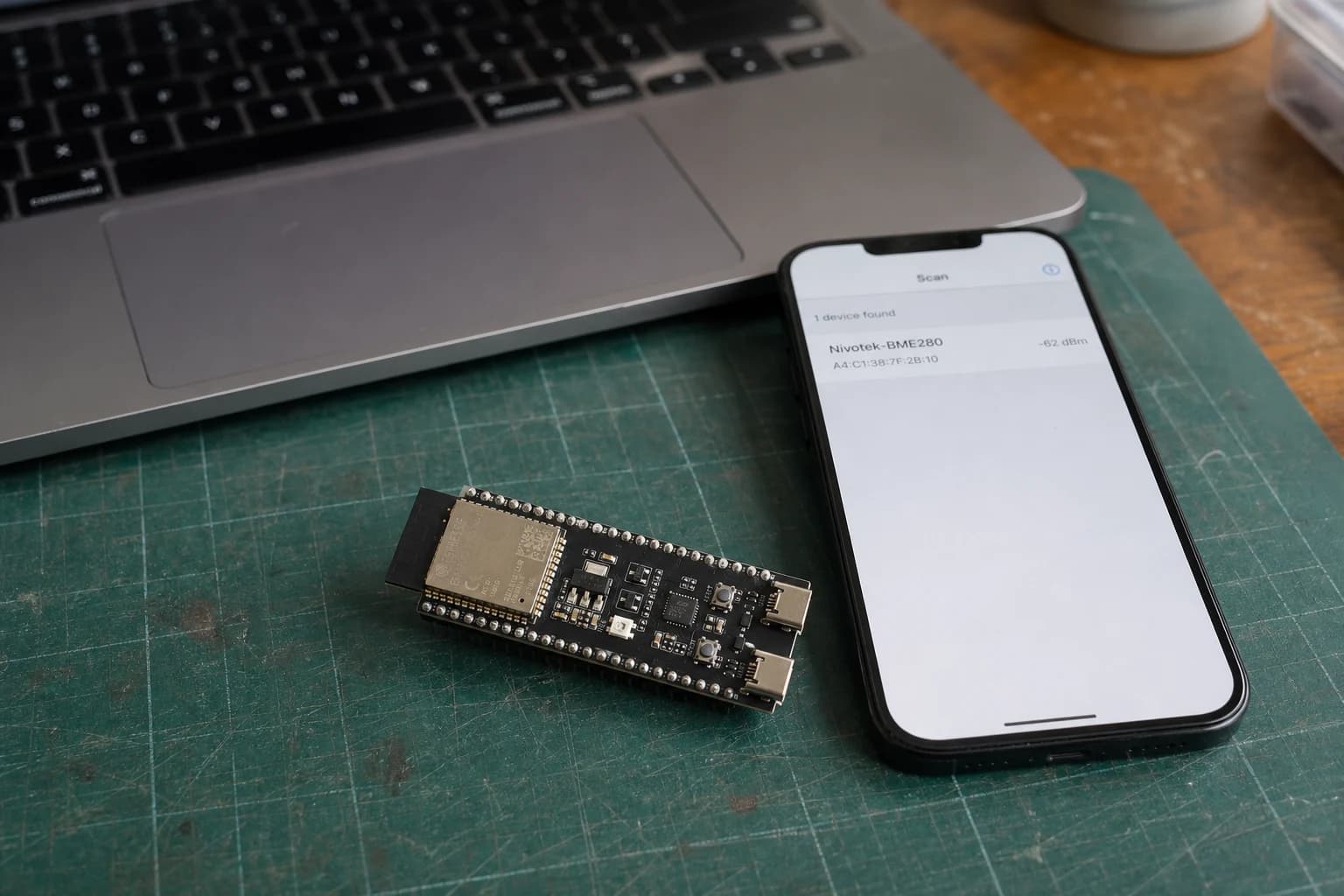
Learn ESP32 BLE, GATT services, and characteristics by sending BME280 readings to a phone with Read and Notify.
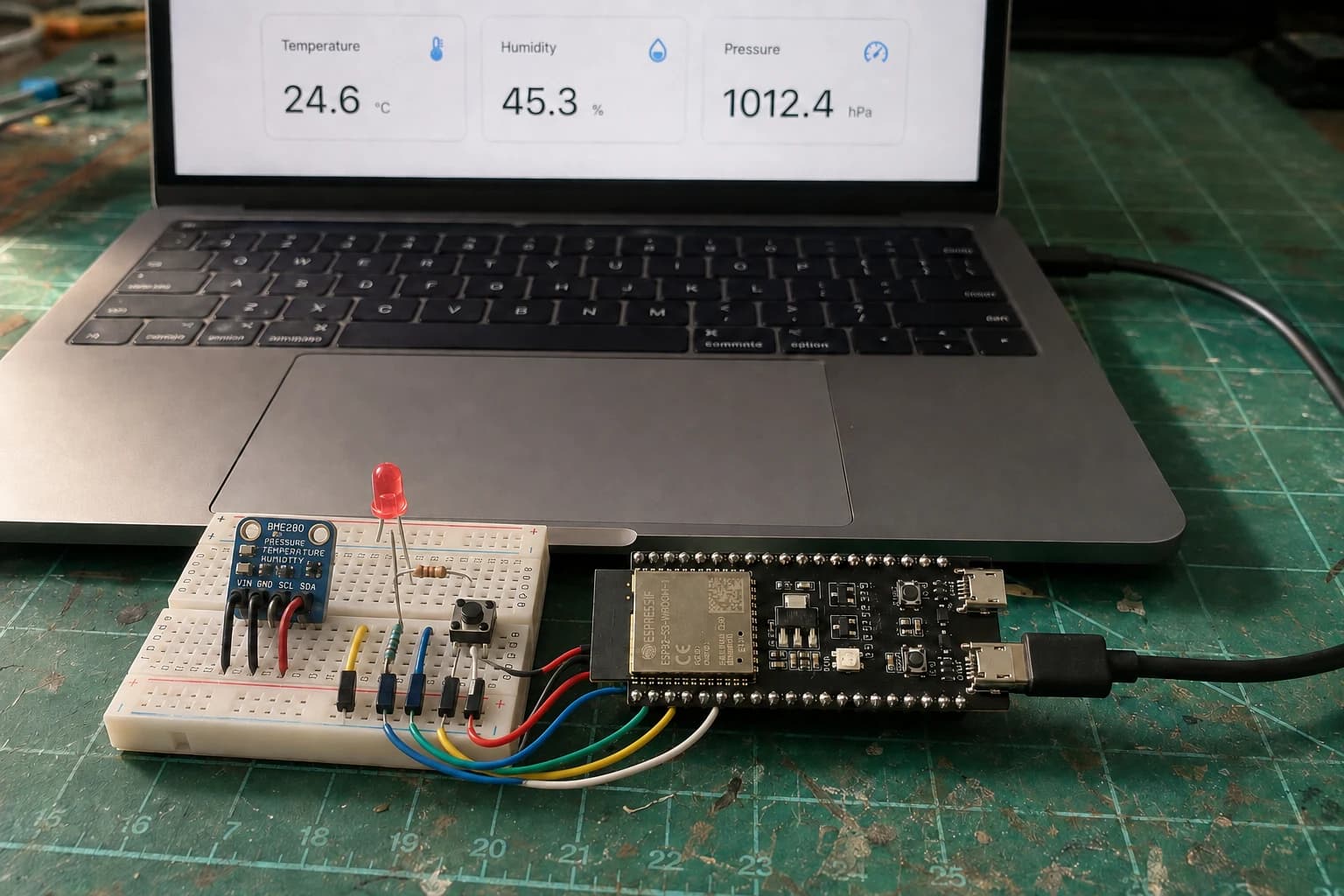
Finish the series with a Room Comfort Monitor: ESP32 reads a BME280, controls a warning LED and serves a local Wi-Fi dashboard.
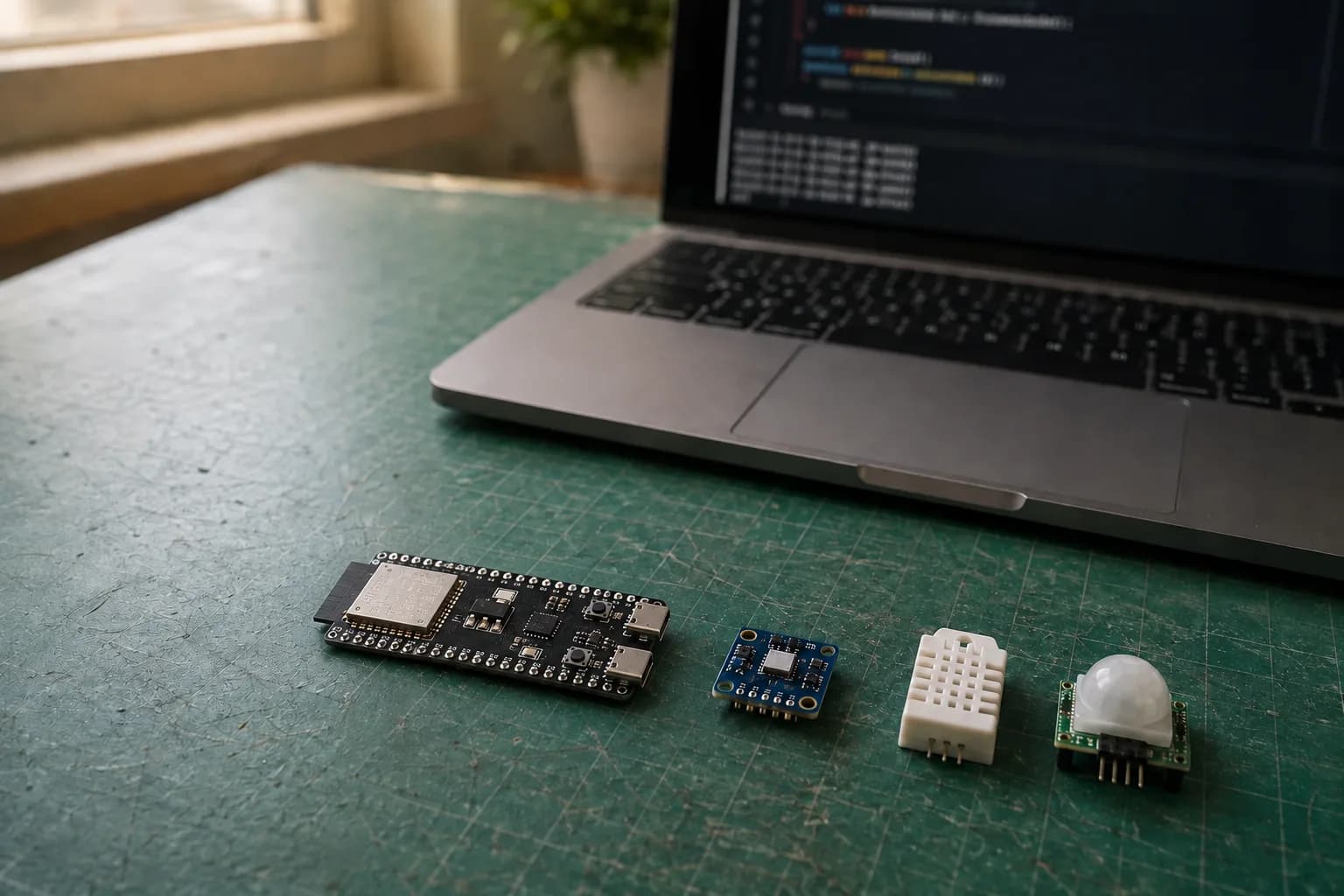
Connect digital, analog, and I2C sensors to ESP32; read temperature, humidity, and pressure from a BME280 and diagnose devices that are not detected.
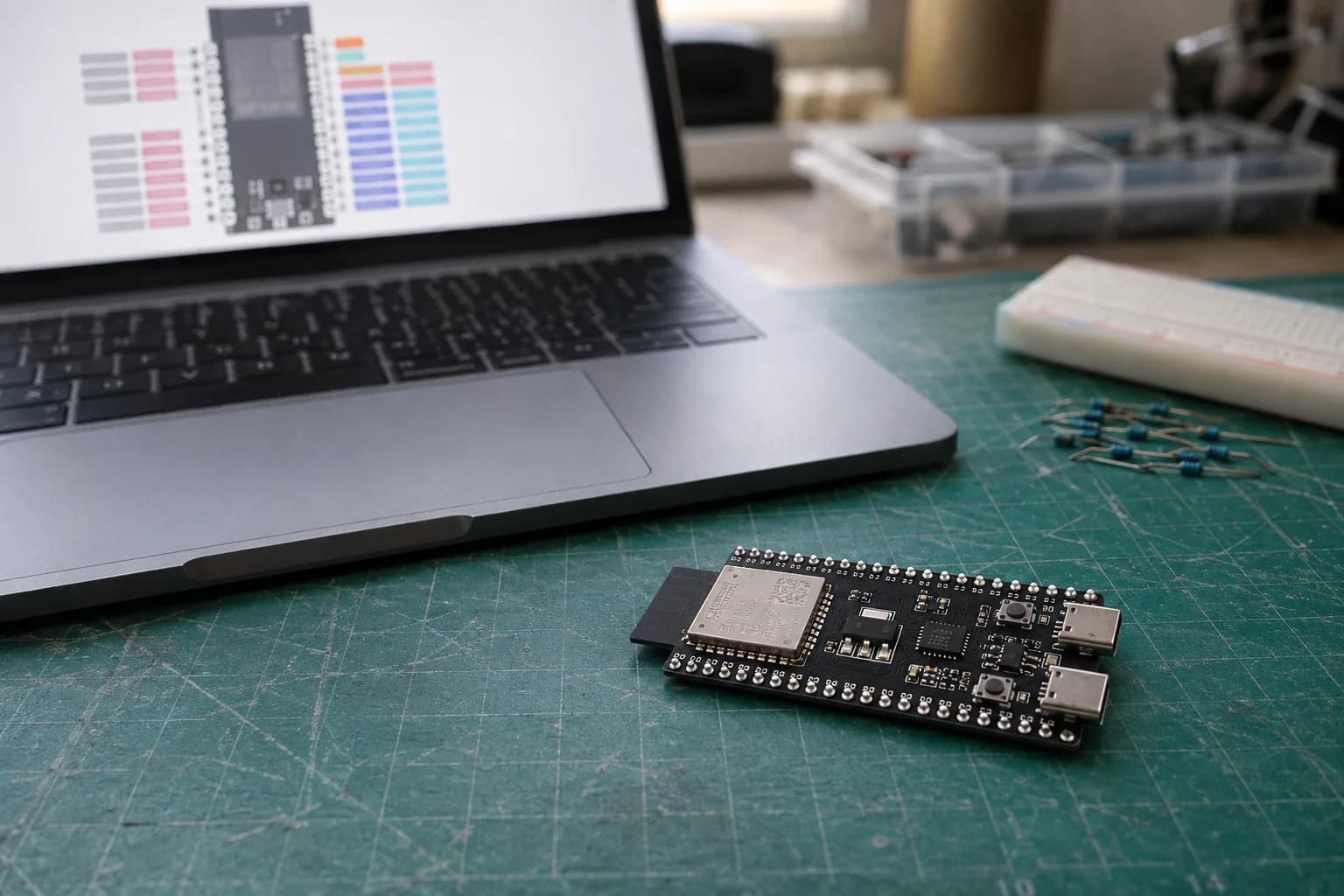
Read an ESP32 pinout, choose GPIO for input and output, use pull-ups, wire an LED and button, and avoid boot, flash, PSRAM, and unsafe 5 V signals.
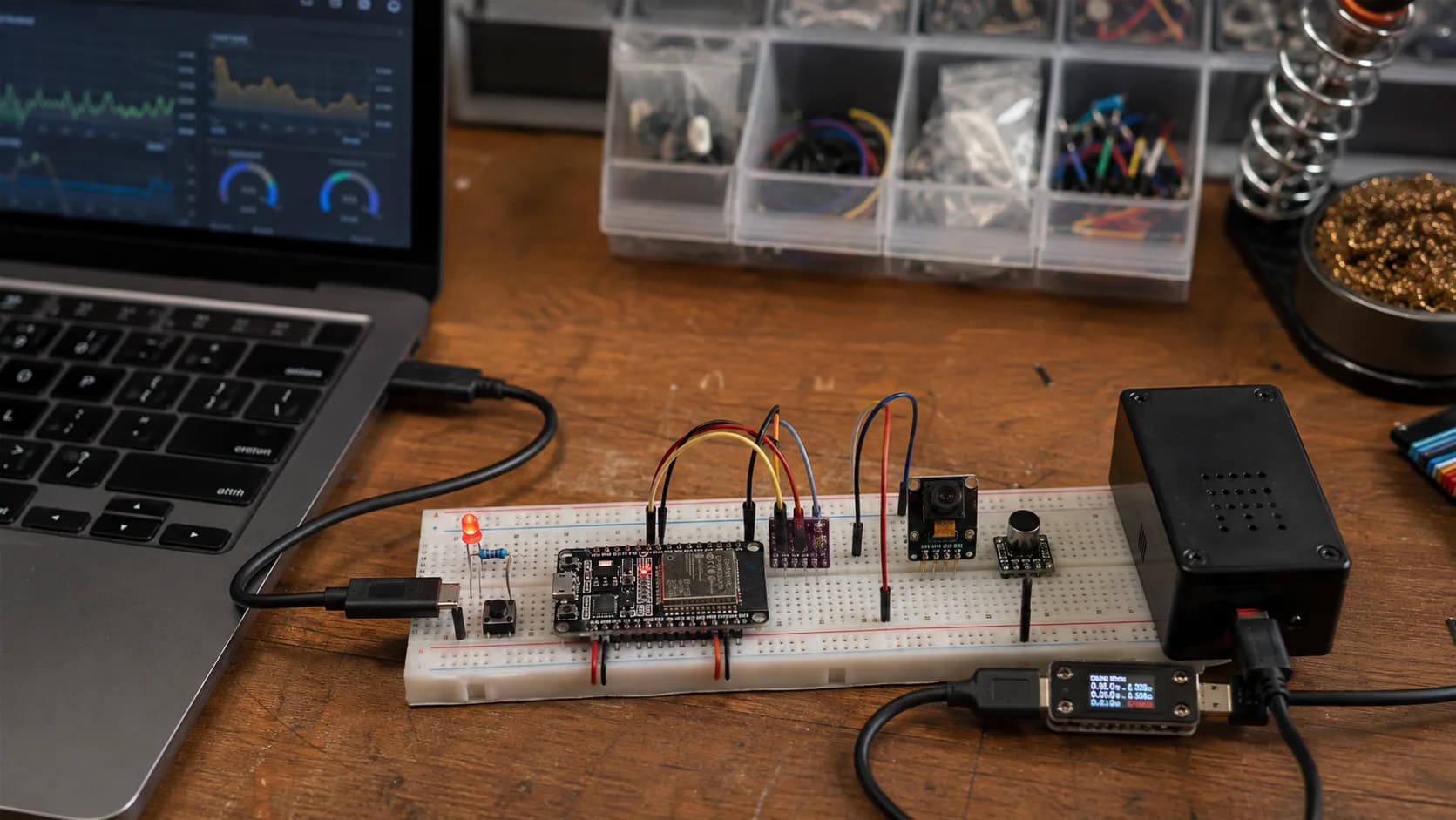
An interactive ESP32 project roadmap from LEDs and buttons through connected sensors and edge ML to production OTA and security, with practical guides at each level.
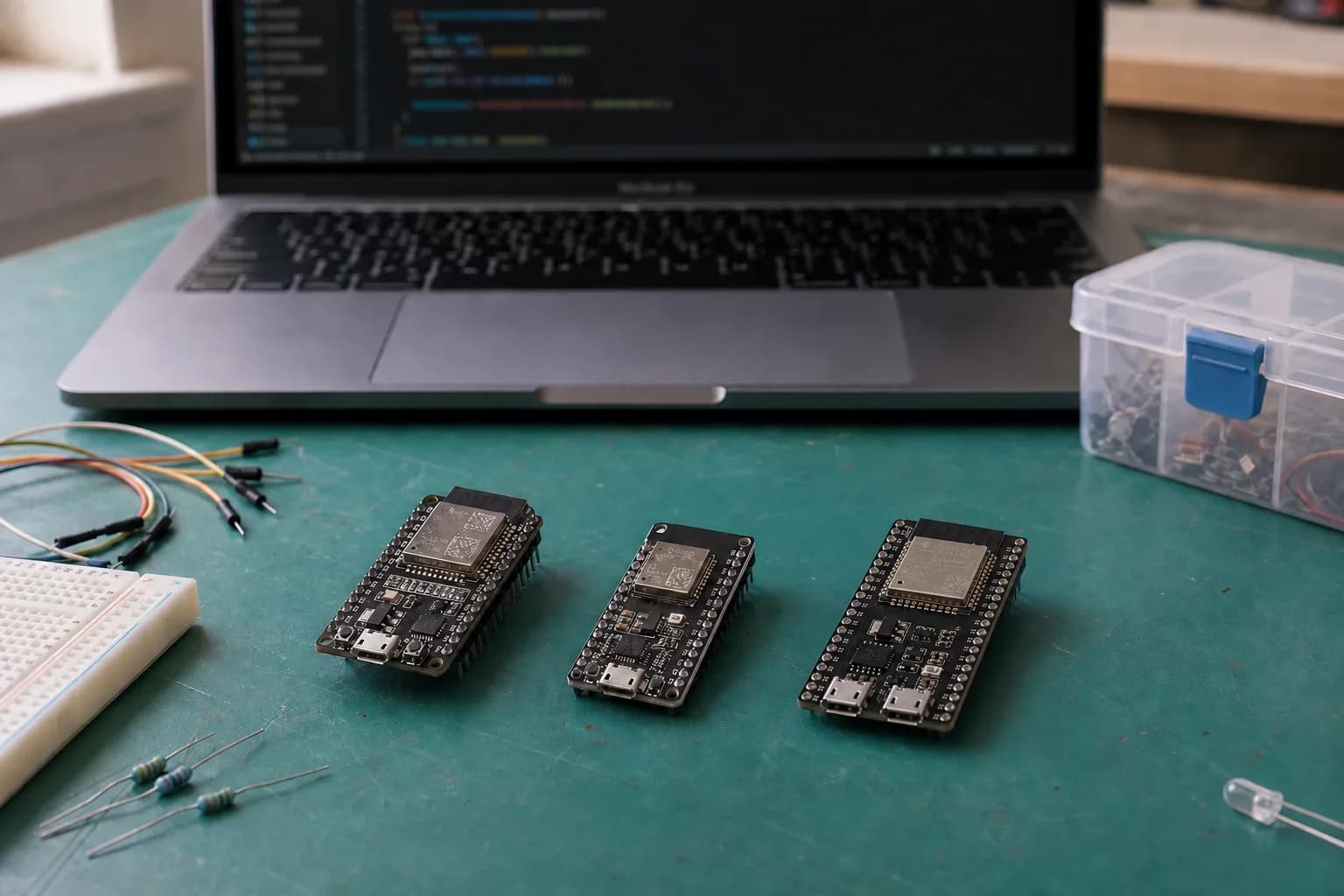
Learn the difference between ESP32 chips, modules, and development boards, then choose an ESP32-C3, ESP32-S3, or classic ESP32 board without buying hardware you do not need.
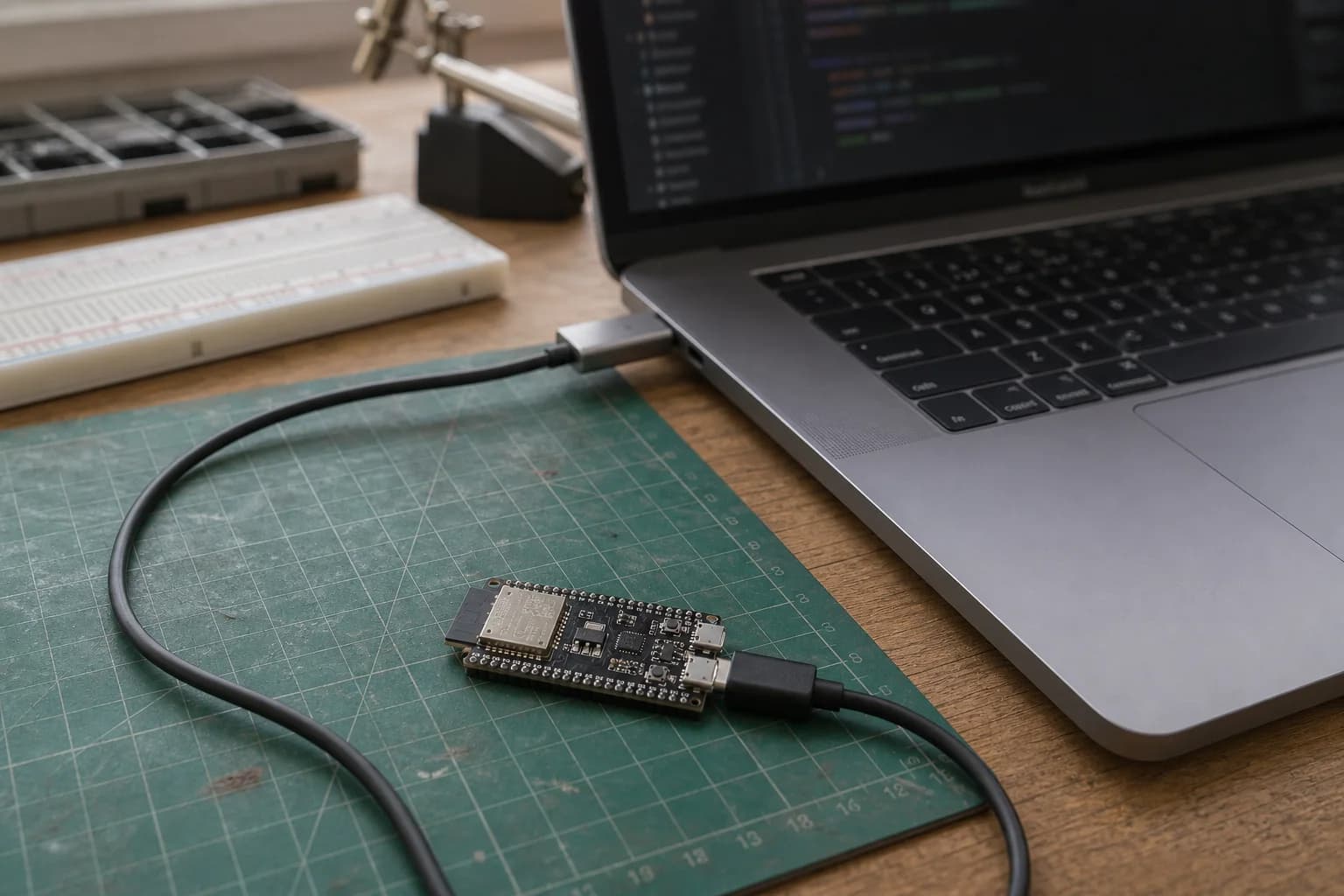
Install Arduino IDE and Arduino-ESP32, select the correct board and port, upload your first sketch, and fix Failed to connect errors on ESP32, ESP32-C3, and ESP32-S3.
Nastrotek uses cookies for analytics and ad personalization to help us understand how the site is used. You can accept or decline non-essential cookies. Privacy Policy